Navigation
Vault access. Public access is not open. This product is separate from initial Identity and Apparatus access.
Screenshots use fictional demonstration accounts. Your data and available actions may differ. Reviewed October 16, 2026.
Access and maintenance
Manage workspace access
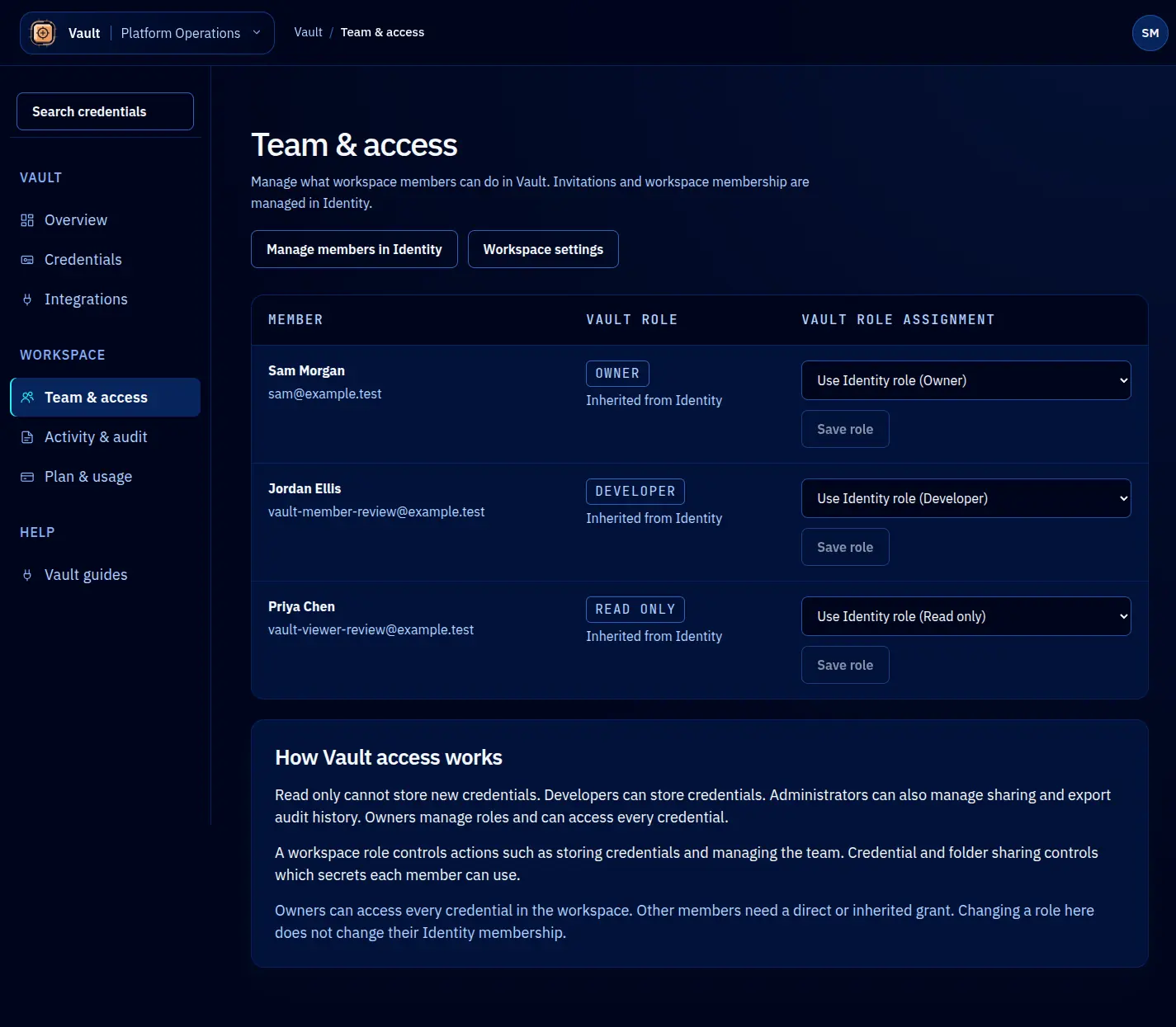
Open Team & access to see workspace members and their effective Vault roles. Identity is the membership authority. Inviting, removing or changing a person’s Identity membership happens in Identity through the provided link.
Understand the role columns
The Identity role provides the default mapping. A Vault-specific assignment can override that mapping for this workspace. An owner maps to Owner, an administrator to Administrator, a member to Developer and a viewer to Read-only when no override applies.
A role and a credential grant are separate inputs. Do not assume Developer means access to every secret. The credential and folder access checks still apply. Use the capability descriptions on the page and the record’s Your access summary to confirm the result.
Save a Vault role
- As an owner or platform operator, find the correct member.
- Choose the intended Vault role.
- Select Save role. Selecting an option alone does not save it.
- Read and confirm the additional prompt when granting owner access.
- Check the saved row. If saving fails, address the message before changing another role.
Use the least access the person’s work needs. Keep a separate owner able to recover access before reducing your own role. Other members can inspect the roles they are allowed to see but do not receive the owner’s editing controls.
Screen reference