Navigation
Vault access. Public access is not open. This product is separate from initial Identity and Apparatus access.
Screenshots use fictional demonstration accounts. Your data and available actions may differ. Reviewed October 16, 2026.
Credential types
Choose a credential type
A type determines the fields and encrypted JSON envelope stored for a credential. Choose the type your consuming tool expects. The list below describes the current console; old names in guide URLs are preserved for existing bookmarks.
| Type | Information you enter |
|---|---|
| API token | Service URL and token |
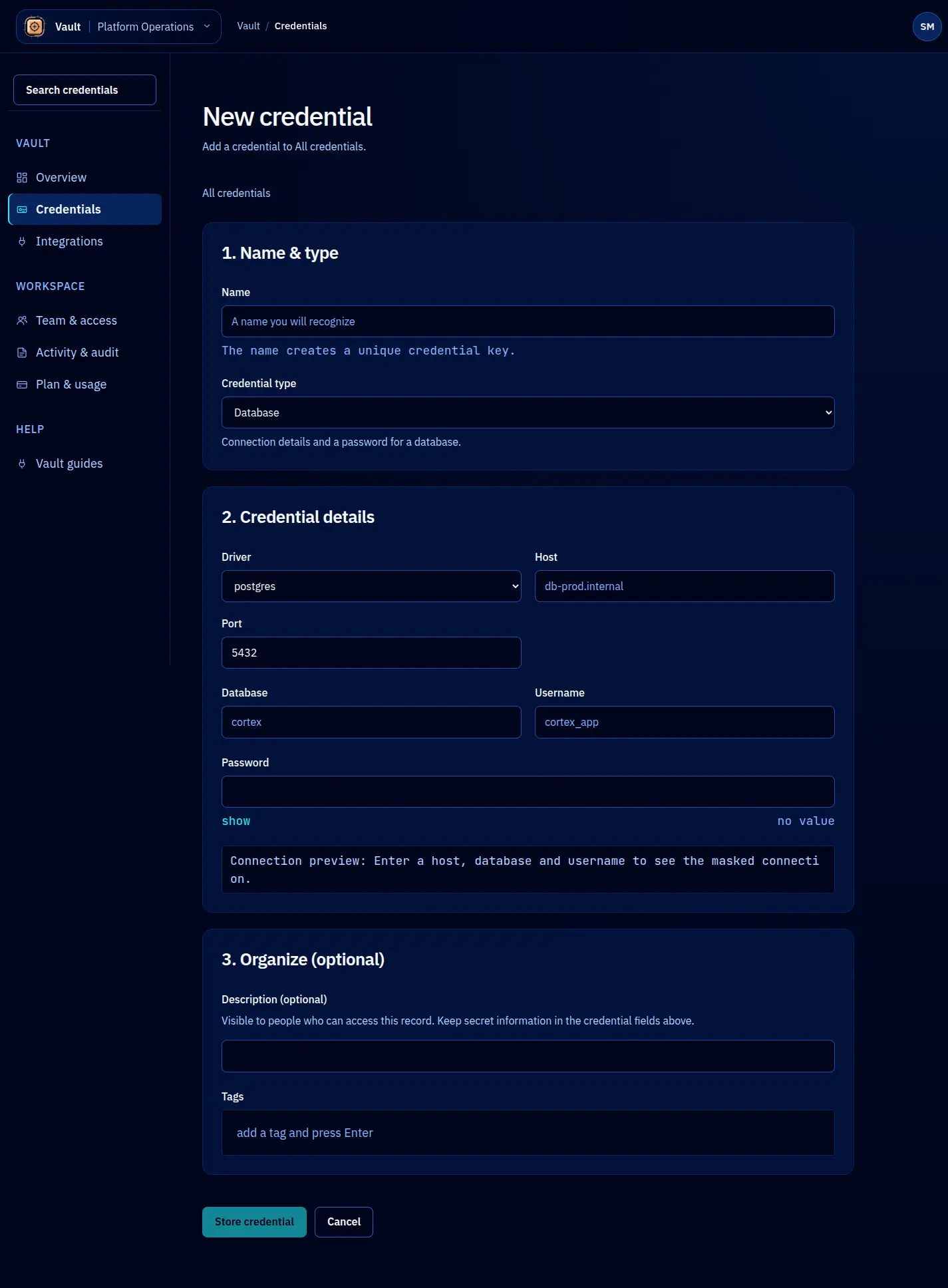
| Database | Driver, host, port, database, username and password |
| SSH key | Host, user, port and private key |
| OAuth client | Client ID, client secret, token URL and optional scopes or redirect URI |
| Generic secret | Single-line value and optional format hint |
| Login | Service name, optional URL, username, password and optional backup codes |
| Secure note | Name and multiline body |
| AWS access key | Access key ID, secret access key, region and optional session token or profile |
| Service-account JSON | Provider-issued JSON and detected provider context |
| TLS bundle | Certificate chain, matching private key and optional CA bundle |
| Webhook secret | Service URL and signing secret |
Each form separates the credential’s identity, secret or connection fields, and storage context. The final Store credential action saves it. Field-level Use JSON, Use codes and certificate intake actions prepare their input only.
Names, descriptions, tags and permitted connection summaries are metadata. Secret fields belong in the type’s encrypted value. A typed read returns a structured envelope; the console Copy action extracts only the labelled primary field. See structured retrieval.
Screen reference