Navigation
reference
MCP Server Reference
Overview
The Vault MCP server implements the Model Context Protocol, allowing AI coding tools to request credentials through a standardized interface. The server runs as a subprocess managed by the AI tool’s MCP runtime and communicates over stdio.
Installation
npm install -g @ghoststack/vault-mcp
Or run directly with npx:
npx @ghoststack/vault-mcp serve
Configuration
The MCP server reads configuration from .vault-mcp.json in the project root or from environment variables.
Configuration file
{
"tenant": "my-org",
"token": "vault_token_...",
"defaultTTL": "15m",
"maxTTL": "2h",
"agentName": "claude-code",
"autoRenew": false,
"renewBeforeExpiry": "5m",
"logLevel": "info"
}
Environment variables
| Variable | Description | Default |
|---|---|---|
VAULT_TOKEN | API token for authentication | Required |
VAULT_TENANT | Organization slug | Required |
VAULT_DEFAULT_TTL | Default lease TTL | 15m |
VAULT_MAX_TTL | Maximum lease TTL | 2h |
VAULT_AGENT_NAME | Agent identity name | mcp-client |
VAULT_AUTO_RENEW | Auto-renew leases before expiry | false |
VAULT_LOG_LEVEL | Log verbosity: debug, info, warn | info |
VAULT_BASE_URL | Vault API base URL | https://vault.ghoststack.dev |
Environment variables override configuration file values.
MCP client configuration
Claude Code
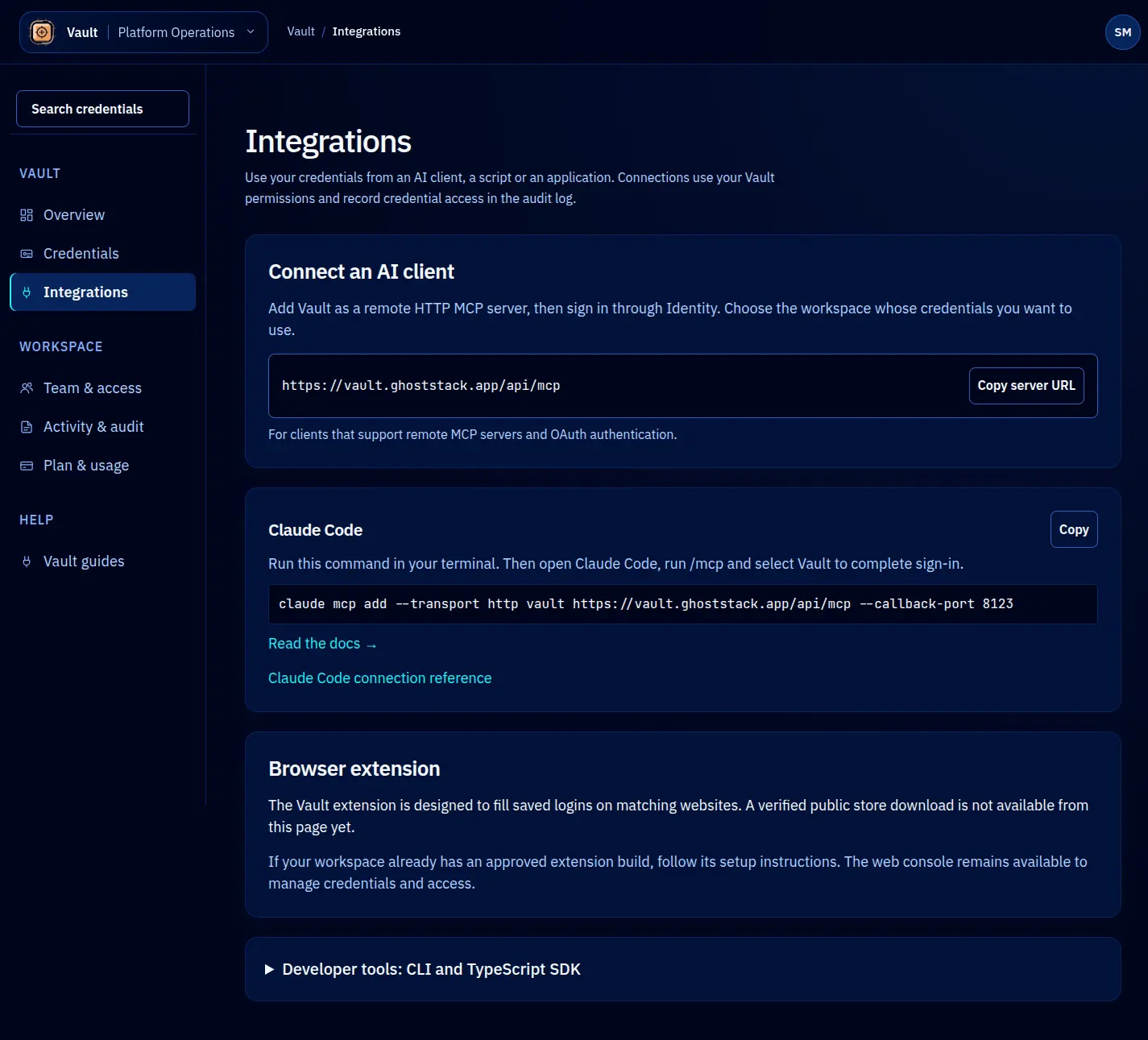
Add to your project’s .claude/mcp.json:
{
"mcpServers": {
"vault": {
"command": "npx",
"args": ["@ghoststack/vault-mcp", "serve"],
"env": {
"VAULT_TOKEN": "vault_token_...",
"VAULT_TENANT": "my-org"
}
}
}
}
Cursor
Add to your Cursor MCP configuration (Settings > MCP):
{
"vault": {
"command": "npx",
"args": ["@ghoststack/vault-mcp", "serve"],
"env": {
"VAULT_TOKEN": "vault_token_...",
"VAULT_TENANT": "my-org"
}
}
}
Cortex Agents
See the MCP with Cortex Agents guide for Cortex-specific configuration.
Available tools
The MCP server exposes three tools to the AI agent:
vault_get_credential
Requests a credential by name. Creates a lease and returns the decrypted value.
Input schema:
{
"type": "object",
"properties": {
"name": {
"type": "string",
"description": "The credential name to retrieve"
},
"purpose": {
"type": "string",
"description": "Why the credential is needed (recorded in audit log)"
},
"ttl": {
"type": "string",
"description": "Lease duration; defaults to server's defaultTTL"
}
},
"required": ["name"]
}
Output: The credential value as a string, plus lease metadata (lease ID, expiry time).
vault_list_credentials
Lists available credentials. Returns names, types, and metadata. Does not return values.
Input schema:
{
"type": "object",
"properties": {
"type": {
"type": "string",
"description": "Filter by credential type"
}
}
}
Output: Array of credential summaries.
vault_lease_status
Checks the status of an active lease, including remaining TTL.
Input schema:
{
"type": "object",
"properties": {
"leaseId": {
"type": "string",
"description": "The lease ID to check"
}
},
"required": ["leaseId"]
}
Output: Lease state, remaining TTL, and renewal eligibility.
Auto-renewal
When autoRenew is enabled, the MCP server monitors active leases and renews them before they expire. The renewBeforeExpiry setting controls how early the renewal happens (default: 5 minutes before expiry).
Auto-renewal continues until:
- The agent’s session ends (MCP server shuts down).
- The lease reaches the
maxTTLlimit. - The credential is revoked.
Each auto-renewal is logged in the audit log.
Logging
The MCP server logs to stderr (which the AI tool’s runtime captures). Set VAULT_LOG_LEVEL to control verbosity:
- debug — Logs every MCP tool call, lease creation, and renewal. Useful for troubleshooting.
- info — Logs lease creation and expiry events.
- warn — Logs only errors and warnings.
Security considerations
- The
VAULT_TOKENgrants the MCP server (and therefore the AI agent) access to credentials. Scope the token to only the credentials the agent needs. - The MCP server runs locally on the developer’s machine. Credential values are transmitted over stdio between the AI tool and the MCP server, not over the network.
- The MCP server does not cache credential values. Each
vault_get_credentialcall creates a new lease and decrypts the credential on the server side.
For broader security guidance, see Security.