Navigation
concepts
Credential Model
Overview
A credential in Vault is not just a secret value. It is a structured object with a type, metadata, access policy, and lifecycle state. This structure allows Vault to validate credentials on storage, apply type-specific rotation rules, and present meaningful information in audit logs.
Credential structure
Every credential has these fields:
interface Credential {
id: string; // UUID, assigned by Vault
name: string; // Human-readable identifier, unique per tenant
type: CredentialType; // One of the six supported types
value: string; // The secret value, encrypted at rest
metadata: Record<string, string>; // Arbitrary key-value pairs
policy: CredentialPolicy; // Lease and access rules
state: 'active' | 'rotated' | 'revoked';
createdAt: string; // ISO 8601 timestamp
updatedAt: string; // ISO 8601 timestamp
createdBy: Identity; // Who stored this credential
}
The name field serves as the primary lookup key. Teams typically use naming conventions like stripe-api-key-production or github-deploy-ssh to keep credentials discoverable.
Credential types
Vault supports six credential types. Each type carries its own validation rules and display behavior:
- api-key — A string token for authenticating with an API. See API Keys.
- oauth-token — An OAuth 2.0 access token, optionally with a refresh token and expiry. See OAuth Tokens.
- ssh-key — An SSH private key, with optional passphrase. See SSH Keys.
- tls-certificate — A TLS certificate and private key pair. See TLS Certificates.
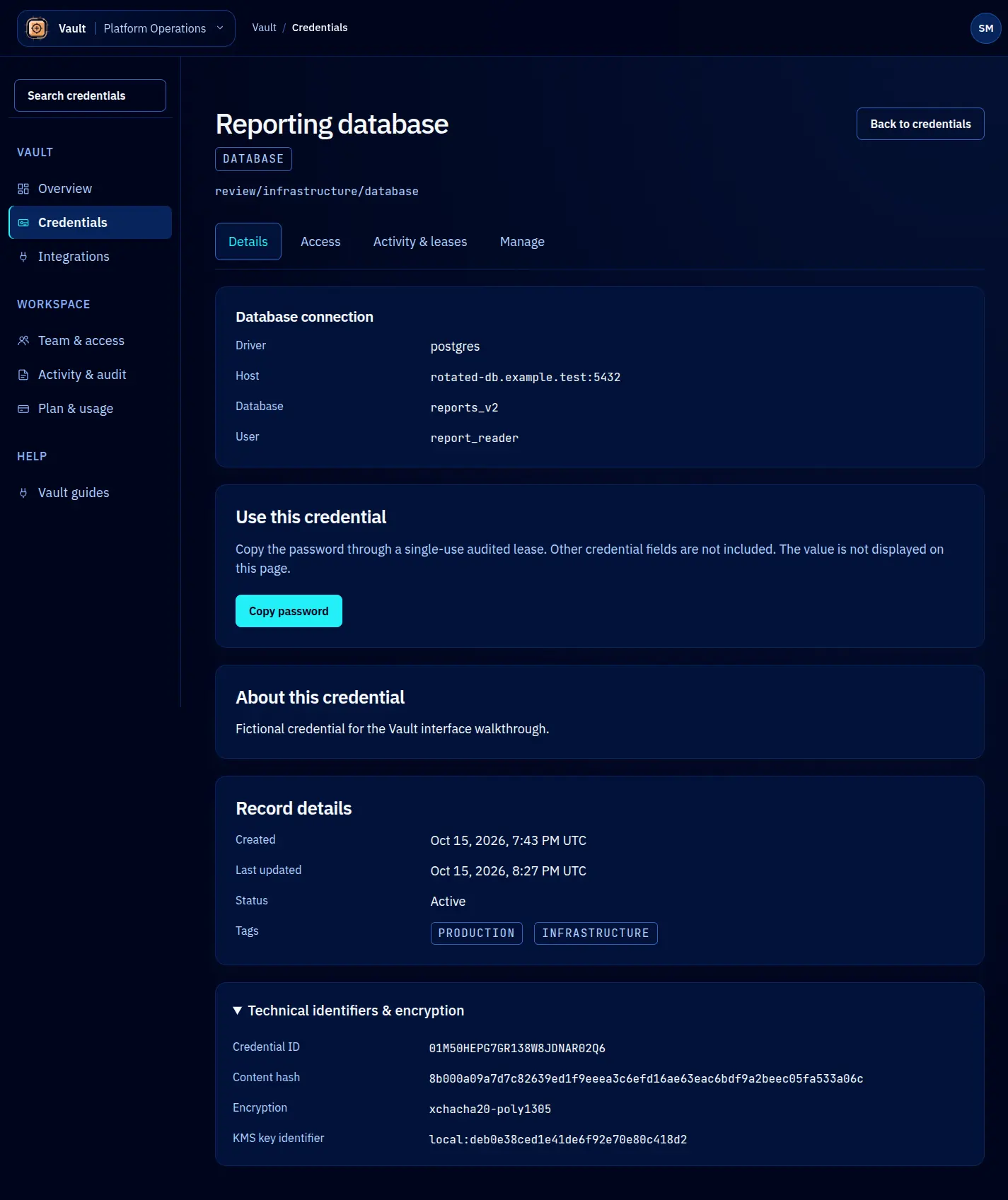
- database-url — A connection string for a database. See Database URLs.
- generic-secret — Any secret that does not fit the other types. See Generic Secrets.
Metadata
The metadata field accepts arbitrary key-value pairs. Common uses include tagging credentials with the service they belong to, the environment (production, staging, development), the team that owns them, or the rotation schedule. Metadata is stored encrypted alongside the credential value.
await vault.credentials.create({
name: 'datadog-api-key',
type: 'api-key',
value: 'dd-api-...',
metadata: {
service: 'datadog',
environment: 'production',
team: 'platform',
rotateEvery: '90d',
},
});
Credential policies
Each credential can have a policy that controls lease behavior:
interface CredentialPolicy {
maxLeaseTTL: string; // Maximum TTL for any lease, e.g. "24h"
defaultLeaseTTL: string; // Default TTL if none is specified, e.g. "1h"
maxLeases: number; // Maximum concurrent active leases
allowedIdentities: IdentityPattern[]; // Who can request leases
}
Policies are optional. When omitted, the tenant-level defaults apply.
Lifecycle states
A credential moves through three states:
- active — The credential is available for leasing. New leases can be created against it.
- rotated — The credential has been replaced by a newer version. Existing leases remain valid until they expire, but no new leases can be created. The previous value is retained for the duration of any outstanding leases.
- revoked — The credential is permanently disabled. All active leases are immediately invalidated. The encrypted value is retained in the audit trail but can no longer be leased.
This lifecycle model supports zero-downtime rotation. When you rotate a credential, agents holding active leases continue working until their leases expire naturally, while new lease requests receive the updated value.