Navigation

credential-types

TLS Certificates

TLS certificates in Vault

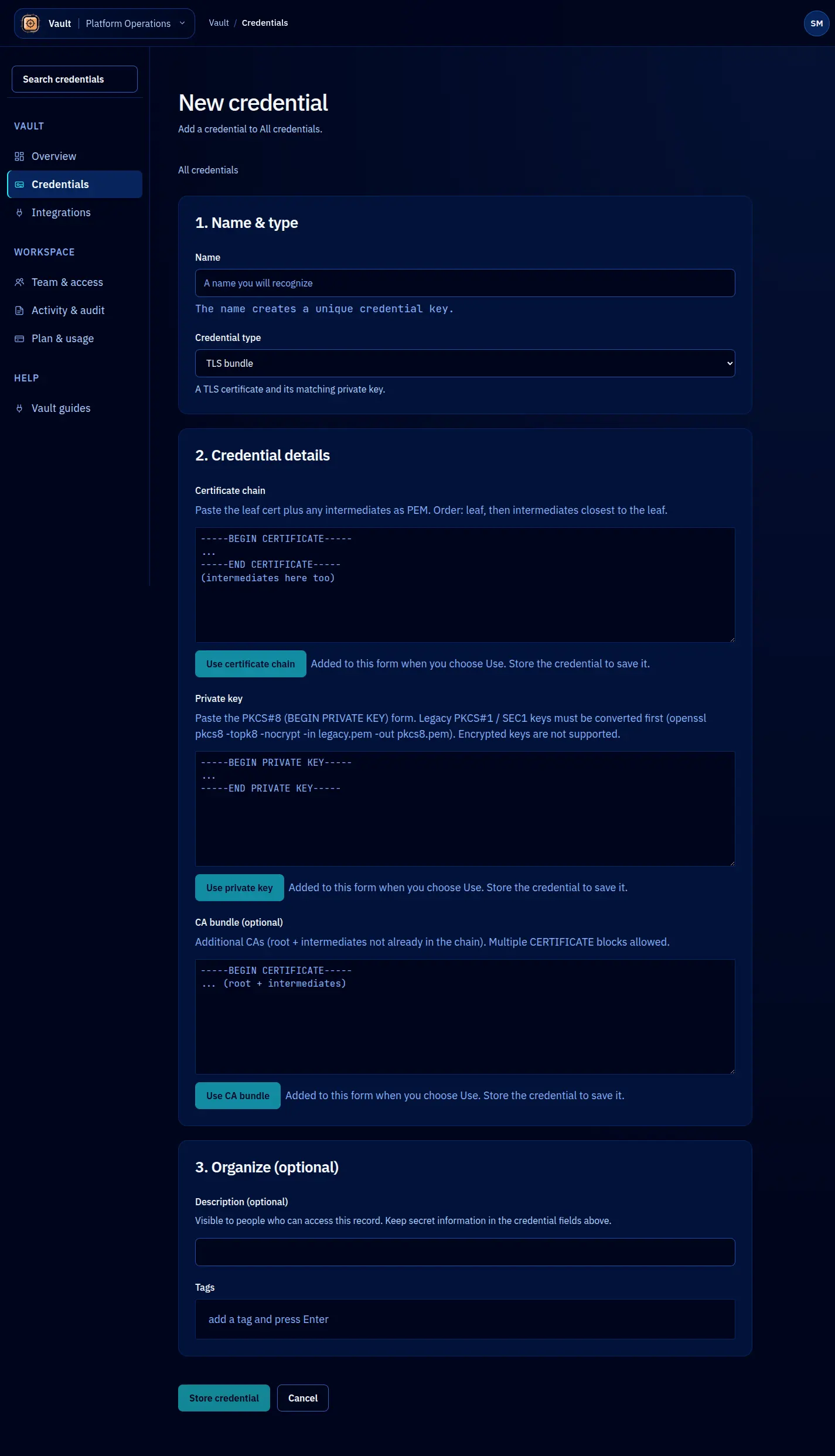
TLS certificates are pairs of a certificate (or certificate chain) and a private key. Vault stores them together as a single tls-certificate credential. On storage, Vault parses the certificate to extract the subject, issuer, validity period, and SANs (Subject Alternative Names), making it easy to track certificate lifecycles across your infrastructure.

Storing a TLS certificate

await vault.credentials.create({
  name: 'api-tls-prod',
  type: 'tls-certificate',
  value: JSON.stringify({
    certificate: `-----BEGIN CERTIFICATE-----
MIIFazCCA1OgAwIBAgIU...
-----END CERTIFICATE-----`,
    privateKey: `-----BEGIN PRIVATE KEY-----
MIIEvgIBADANBgkqhkiG...
-----END PRIVATE KEY-----`,
    chain: `-----BEGIN CERTIFICATE-----
MIIFYjCCBEqgAwIBAgIM...
-----END CERTIFICATE-----`,
  }),
  metadata: {
    domain: 'api.example.com',
    environment: 'production',
    issuer: 'lets-encrypt',
  },
});

The value field contains a JSON object with certificate, privateKey, and an optional chain for intermediate certificates. All three are encrypted together.

Validation

Vault validates TLS certificates on storage:

  • The certificate must be a valid PEM-encoded X.509 certificate.
  • The private key must be a valid PEM-encoded key.
  • The private key must match the certificate’s public key. If they do not match, the credential is rejected.
  • If a certificate chain is provided, Vault verifies that the chain links correctly from the leaf certificate to the root.

Extracted metadata

Vault parses the certificate and adds these fields automatically:

FieldDescriptionExample
subjectThe certificate’s Common Name (CN)api.example.com
issuerThe issuing Certificate AuthorityLet's Encrypt Authority X3
notBeforeCertificate validity start date2026-01-01T00:00:00Z
notAfterCertificate expiration date2026-04-01T00:00:00Z
sansSubject Alternative Names, comma-separatedapi.example.com,*.api.example.com
serialNumberCertificate serial number03:a1:b2:c3...
signatureAlgoSignature algorithmSHA256-RSA

Expiry tracking

The notAfter field from the certificate is particularly useful. You can query Vault for certificates approaching expiry:

const expiringSoon = await vault.credentials.list({
  type: 'tls-certificate',
  filter: {
    'metadata.notAfter': { before: '2026-05-01T00:00:00Z' },
  },
});

This query returns all TLS certificates that expire before May 2026. Combine this with a scheduled job to get expiry alerts before certificates go stale.

Leasing TLS certificates

TLS certificate leases follow the same model as other credential types. A common use case is granting a deployment agent short-term access to pull the certificate and configure a web server:

const lease = await vault.leases.create({
  credentialName: 'api-tls-prod',
  ttl: '10m',
  identity: {
    type: 'agent',
    name: 'deploy-agent',
    purpose: 'Configuring nginx with updated TLS certificate',
  },
});

const { certificate, privateKey, chain } = JSON.parse(lease.value);
// Write to disk, configure the server, then clean up

Rotation

TLS certificate rotation happens when you renew or replace a certificate:

  1. Obtain the new certificate from your CA (Let’s Encrypt, internal PKI, etc.).
  2. Rotate the credential in Vault with the new certificate, private key, and chain.
  3. Active leases continue serving the old certificate until they expire.
  4. New leases receive the updated certificate.
await vault.credentials.rotate({
  name: 'api-tls-prod',
  newValue: JSON.stringify({
    certificate: newCert,
    privateKey: newKey,
    chain: newChain,
  }),
});

The zero-downtime rotation model described in Credential Model applies here. Servers holding an active lease continue serving the old certificate while new deployments pick up the renewed one.