Navigation
overview
Getting Started with Prospector
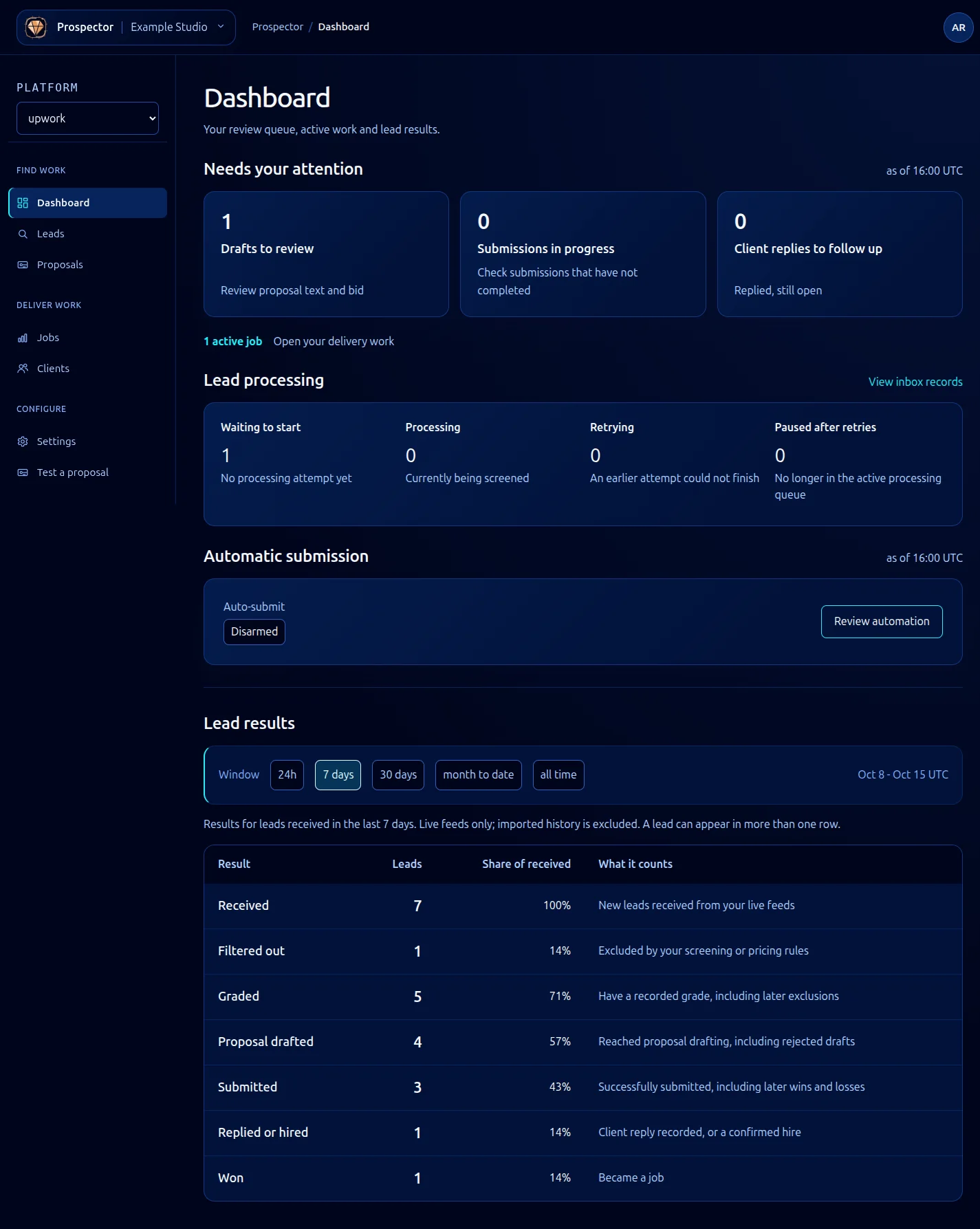
What Prospector Does
Prospector is a lead-scoring and proposal-automation tool for freelance platforms like Upwork and Freelancer. It continuously scans job postings that match your skill profile, assigns each lead a composite score based on fit, budget, client history, competition density, and timeline, then drafts proposals using your custom prompt templates. The goal is straightforward: spend less time hunting for work and more time doing it.
Prospector fits into the GhostStack ecosystem as the top-of-funnel tool. It handles everything from initial lead discovery through proposal submission, and optionally tracks contracts after you win them. Scoring, filtering, and proposal generation are all configurable through rules, weights, and prompt templates.
Prerequisites
Before setting up Prospector, make sure you have:
- A GhostStack account with an active subscription that includes Prospector
- API credentials stored in Vault (Prospector reads platform tokens from Vault, never from local config)
- At least one connected freelance platform account (Upwork or Freelancer)
- Node.js 18+ if you plan to use the CLI or integrate with the REST API
Initial Setup
Start by enabling Prospector in your GhostStack dashboard under Tools > Prospector. The setup wizard walks you through three steps: connecting a platform, defining your skill profile, and configuring your first scoring ruleset.
# If using the CLI, authenticate first
ghoststack auth login
# Enable Prospector
ghoststack prospector init
The init command creates a default configuration file at ~/.ghoststack/prospector.yaml and prompts you to connect at least one platform. See Connecting Upwork or Connecting Freelancer for platform-specific instructions.
Defining Your Skill Profile
Your skill profile tells Prospector what kinds of jobs to look for. It includes your primary skills, preferred budget ranges, and any keywords you want to match or exclude.
# ~/.ghoststack/prospector.yaml (excerpt)
profile:
skills:
- typescript
- react
- node.js
- postgresql
budget:
min: 500
currency: USD
exclude_keywords:
- 'data entry'
- 'wordpress theme'
Prospector uses this profile as the baseline for its scoring model. You can refine it later by adjusting weights and adding custom rules. See Tuning Scoring for details.
Running Your First Lead Scan
Once your profile is configured and at least one platform is connected, trigger a scan:
ghoststack prospector scan --platform upwork
Prospector fetches recent job postings, scores each one, and returns a ranked list. By default, it filters out anything below a score of 40 (on a 0-100 scale). You can adjust this threshold in your config or pass --min-score on the command line.
# Show only high-quality leads
ghoststack prospector scan --platform upwork --min-score 70
Results include the job title, score breakdown, estimated competition level, and a link to the original posting. From here you can generate a proposal draft for any lead. See Proposal Pipeline for the full workflow.
What Comes Next
With your first scan complete, you have a few directions to explore:
- Learn how the scoring model evaluates leads
- Set up the rules engine to automate filtering
- Write proposal prompt templates for AI-generated drafts
- Configure webhooks to push lead notifications to Slack or other tools