Navigation
Vault access. Public access is not open. This product is separate from initial Identity and Apparatus access.
Screenshots use fictional demonstration accounts. Your data and available actions may differ. Reviewed October 16, 2026.
Concepts
Understand workspace isolation
Each credential belongs to one workspace. Vault checks workspace scope and domain permissions for its operations, and the database enforces tenant boundaries. A credential key from another workspace is not enough to read its value.
Check your context
Before storing, sharing or rotating, verify the workspace in the top navigation or narrow-screen workspace label. Identity supplies your workspace memberships and permitted tools. Vault adds its own role assignment and credential or folder grants.
The credential list, folder counts, search and tag suggestions respect effective record access. Empty results can mean that no records are shared with you, not that the entire workspace is empty. Owners may see a broader set than ordinary members.
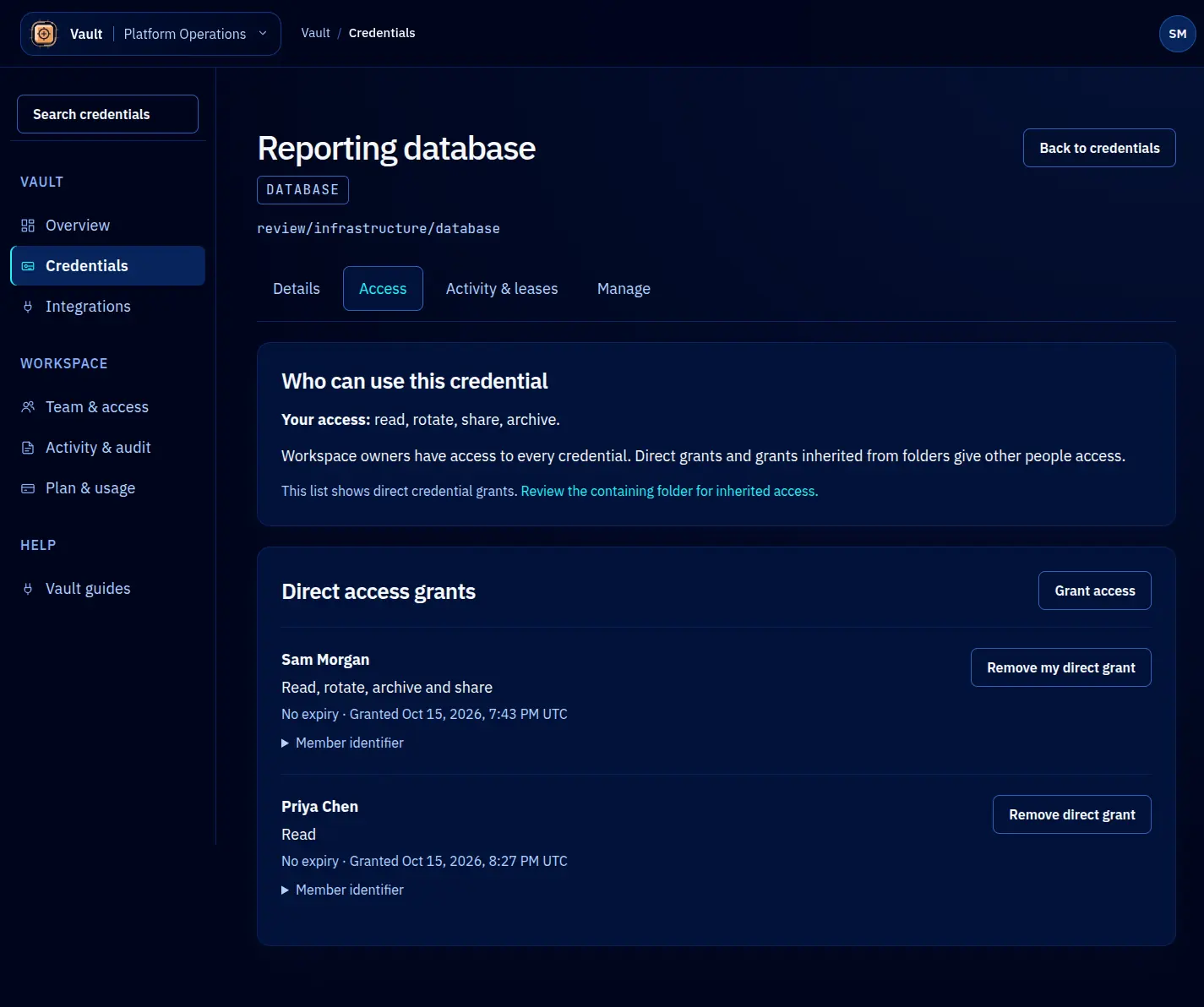
Removing a direct grant does not cancel another applicable inherited or owner permission. Inspect Your access and Folder access to understand the source. For an unexpected result, report the workspace, record key and action without including its secret value.
See team roles and sharing for the controls used to change access.
Screen reference