Navigation
Vault access. Public access is not open. This product is separate from initial Identity and Apparatus access.
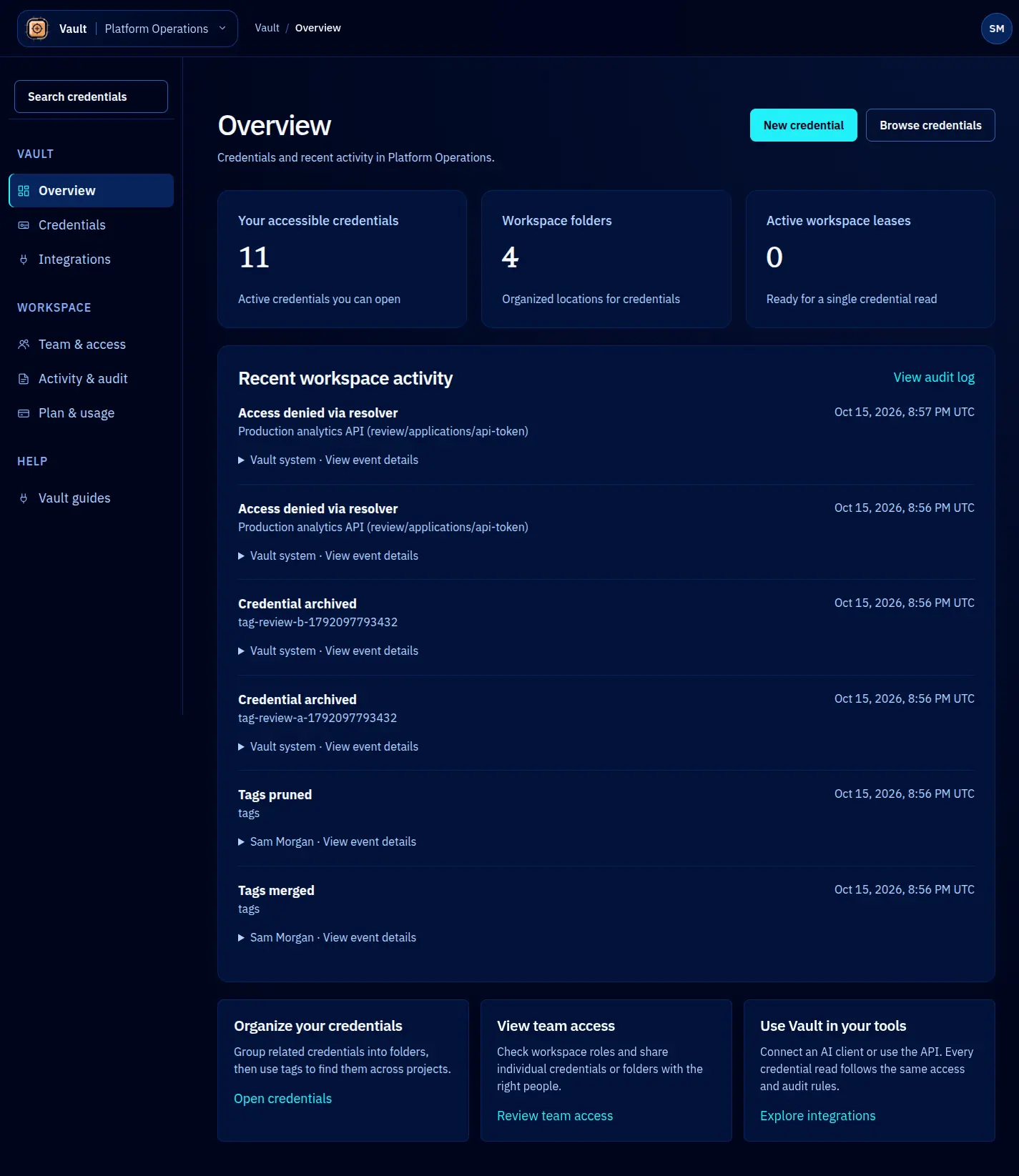
Screenshots use fictional demonstration accounts. Your data and available actions may differ. Reviewed October 16, 2026.
Start here
Vault tutorials
Vault keeps encrypted credentials in a workspace and records their use. These guides cover the current console and supported clients. You need a GhostStack account with Vault access; reading this documentation does not enable the service.
Store your first credential
- Sign in through Identity. Choose Vault in the top-left tool menu. If it is missing, ask your workspace administrator to check your service access.
- Check the workspace name before entering any data. Navigation explains the two menus and account controls.
- Open Credentials, choose a folder, then + New credential.
- Choose the credential type, enter its fields, and check the name, description and storage location. Keep secrets out of names, tags and descriptions.
- Select Store credential. Open the saved record and check its public connection details. The value is encrypted; it is not printed on the detail page.
- Use the labelled Copy action only when you need the value, or connect an approved client.
Choose a task
- Find something: read the overview, browse and search, or organize folders and tags.
- Control access: share a credential or folder, manage Vault roles, or inspect activity.
- Maintain credentials: replace a value, archive or restore, and check plan usage.
- Use a client: Claude Code and MCP, CLI, or TypeScript SDK.
Screenshots use fictional accounts and credentials. Your counts and actions depend on your workspace, permissions and plan. Select any screenshot to open the full-size image. On a phone, use Navigation above this article to choose another guide.
Screen reference