Navigation
credential-types
API Keys
What counts as an API key?
API keys are string tokens used for authenticating with external services. Stripe secret keys, OpenAI API keys, Datadog API keys, AWS access key pairs, and similar tokens all fall into this category. They are the most common credential type in most organizations.
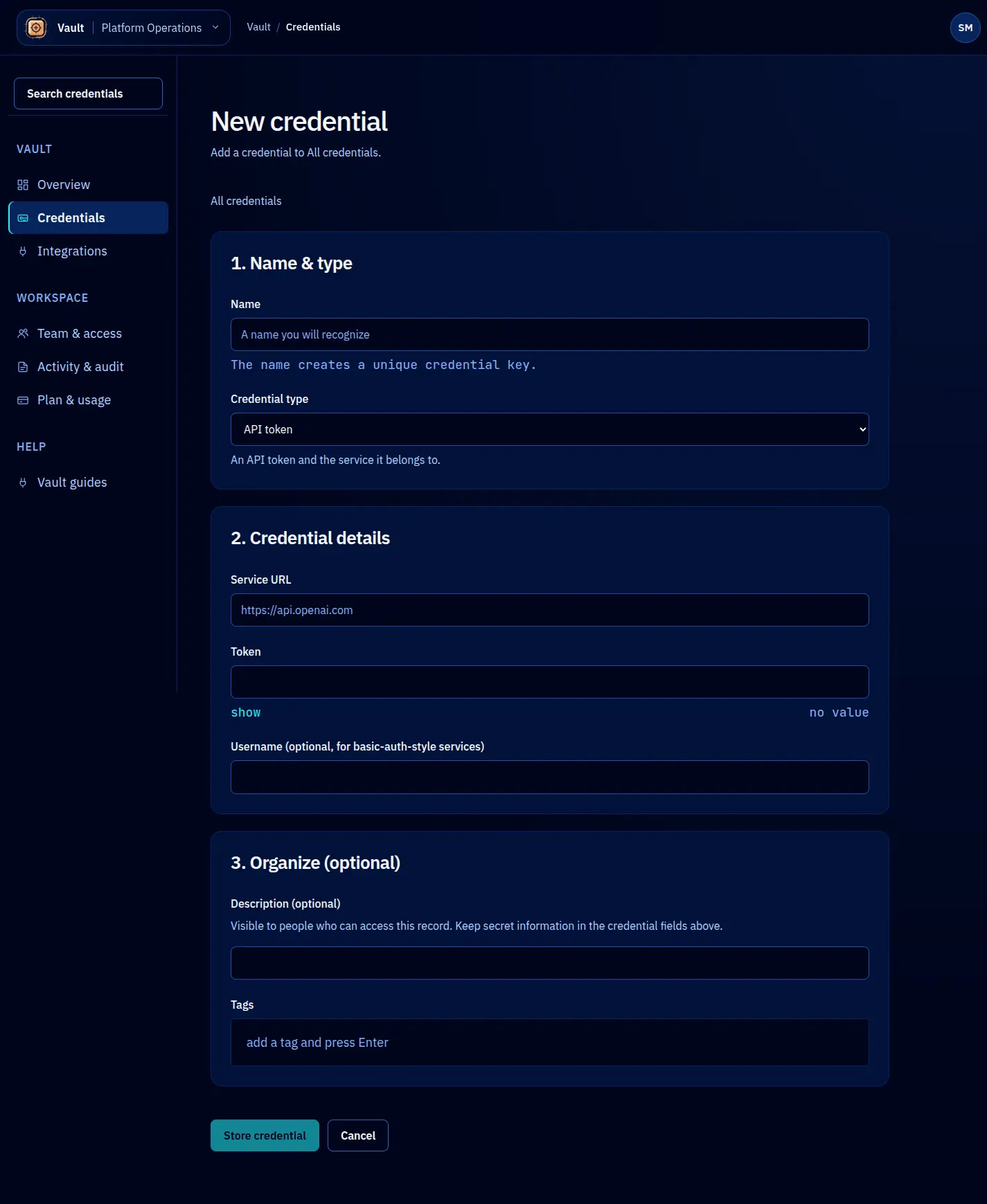
Vault stores API keys as the api-key credential type. The value is the key string itself. Metadata fields capture the service, environment, key prefix, and any other context your team finds useful.
Storing an API key
await vault.credentials.create({
name: 'openai-api-key-prod',
type: 'api-key',
value: 'sk-proj-abc123...',
metadata: {
service: 'openai',
environment: 'production',
prefix: 'sk-proj-',
team: 'ml-platform',
},
policy: {
defaultLeaseTTL: '30m',
maxLeaseTTL: '4h',
maxLeases: 5,
},
});
Validation
Vault validates that the API key value is a non-empty string. Beyond that, Vault does not enforce a specific format because API key formats vary widely across services. If your organization wants stricter validation (for example, requiring a specific prefix), you can implement pre-storage validation in your CI/CD pipeline or a Vault policy hook.
Metadata conventions
While metadata is freeform, these fields are conventional for API keys:
| Field | Description | Example |
|---|---|---|
service | The service this key authenticates with | stripe |
environment | Production, staging, or development | production |
prefix | The non-secret prefix of the key | sk_live_ |
team | The team that owns this credential | payments |
rotateEvery | Suggested rotation cadence | 90d |
Leasing API keys
API key leases work the same as other credential types. The key difference is TTL sizing. API keys for production services should use short TTLs (15 to 60 minutes) so that a compromised agent loses access quickly.
const lease = await vault.leases.create({
credentialName: 'openai-api-key-prod',
ttl: '30m',
identity: { type: 'agent', name: 'claude-code' },
});
// Use the key
const response = await fetch('https://api.openai.com/v1/chat/completions', {
headers: { Authorization: `Bearer ${lease.value}` },
// ...
});
Rotation
When you rotate an API key, the typical process is:
- Generate a new key in the external service’s dashboard.
- Update the credential in Vault with the new value.
- Vault transitions the old value to the
rotatedstate. Active leases continue using the old value until they expire. - New leases receive the updated value.
await vault.credentials.rotate({
name: 'openai-api-key-prod',
newValue: 'sk-proj-newkey456...',
});
This gives you a smooth transition window. Agents with active leases finish their work with the old key, while new requests get the new one. Once all old leases expire, the old key can be safely revoked in the external service.
AWS access keys
For AWS, you typically store the access key ID and secret access key together. Use the value field for the secret access key and metadata for the access key ID:
await vault.credentials.create({
name: 'aws-deploy-key-prod',
type: 'api-key',
value: 'wJalrXUtnFEMI/K7MDENG/bPxRfiCYEXAMPLEKEY',
metadata: {
service: 'aws',
accessKeyId: 'AKIAIOSFODNN7EXAMPLE',
environment: 'production',
iamUser: 'deploy-bot',
},
});