Navigation
Vault access. Public access is not open. This product is separate from initial Identity and Apparatus access.
Screenshots use fictional demonstration accounts. Your data and available actions may differ. Reviewed October 16, 2026.
Everyday work
Organize folders and tags
Choose a folder structure
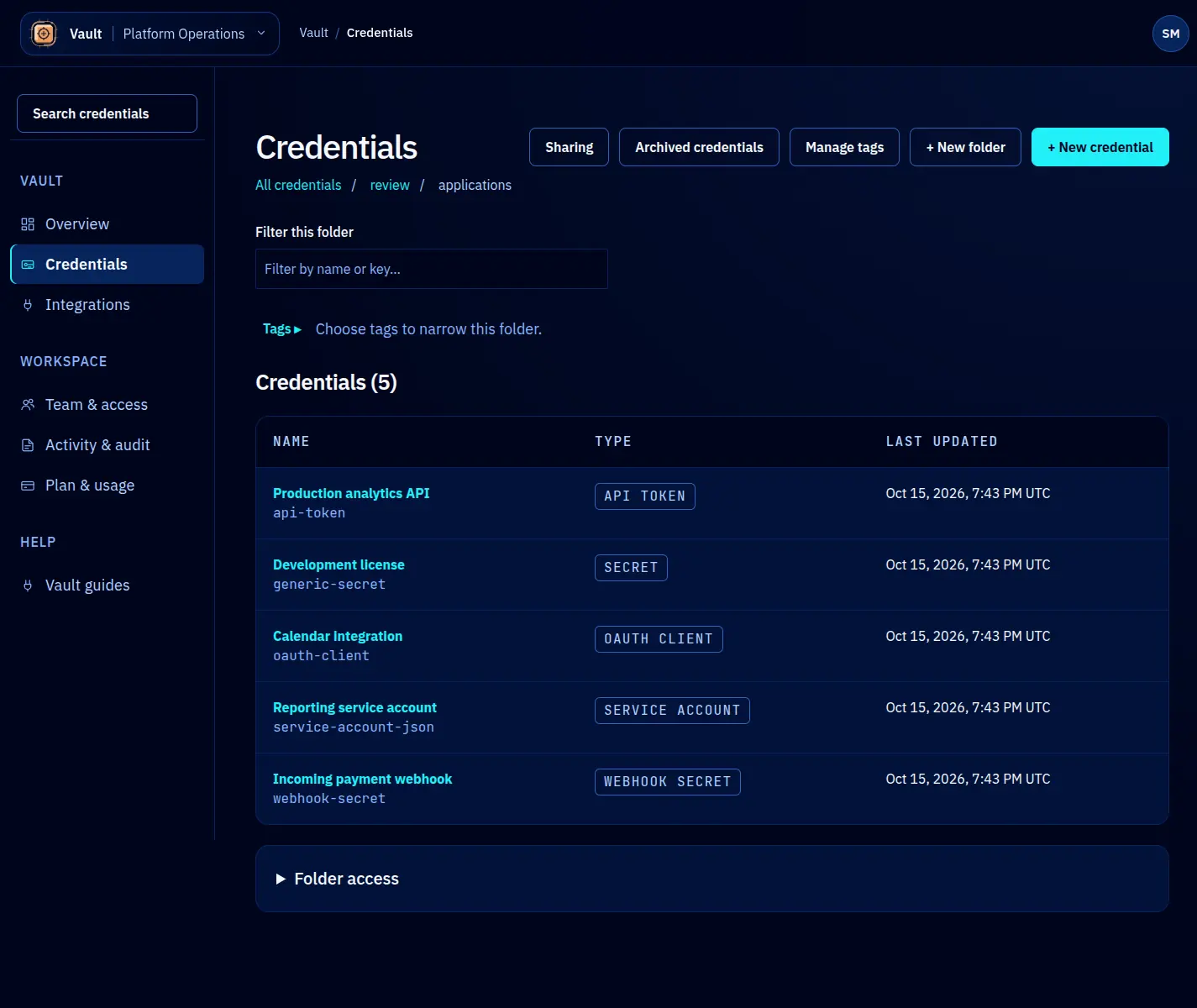
Use folders for stable boundaries such as a client, application or environment. A folder can also carry inherited access. Tags help you find records across that structure; they do not grant access.
- Open the intended parent folder in Credentials.
- Select + New folder, enter a clear name and create it.
- Open it before selecting + New credential so the new record starts in the intended location.
Rename, move or delete a folder
Open the folder’s action menu. Rename changes the folder name. Move lets you choose another parent; the folder and all descendants move together. Credential keys change with their location. Update clients that use those keys and review access inherited from the destination before moving important records.
The picker prevents moving a folder into itself or its descendants. Delete is for an empty folder and requires confirmation. It is not a bulk credential deletion tool.
Review sharing
Inside a folder, select Sharing or expand Folder access. Direct grants apply to that folder; inherited grants come from ancestors. Removing one direct grant does not remove a separate inherited or owner permission. See sharing.
Use Manage tags for spelling changes and cleanup. The displayed credential counts include only records you can access.
Screen reference