Navigation

concepts

Leasing and TTLs

The problem with permanent access

Traditional secret managers give you a credential and you keep it until you manually revoke access. This creates a growing attack surface: the longer a secret is held by a process, the more opportunities exist for it to be leaked, logged, or exfiltrated. With AI agents, this problem is worse. An agent might hold a credential in its context window for the entire session, or pass it through multiple tool calls.

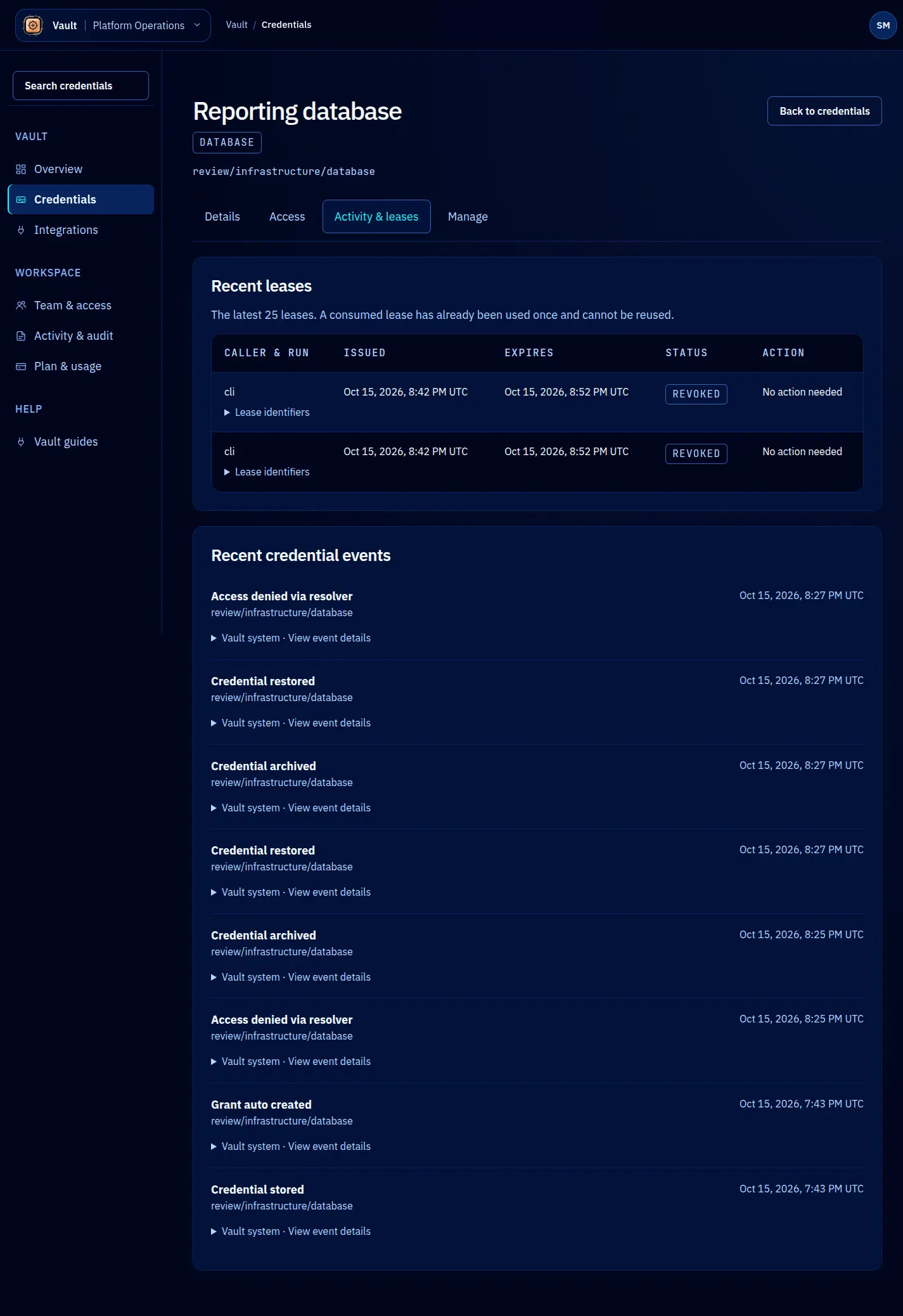
Vault solves this with leasing. Every credential access produces a lease, and every lease has a time-to-live (TTL). When the TTL expires, the lease is invalid.

Lease structure

interface Lease {
  id: string; // UUID assigned by Vault
  credentialId: string; // The credential being leased
  identity: Identity; // Who holds the lease
  value: string; // The decrypted credential value
  ttl: string; // Duration string, e.g. "15m", "1h", "8h"
  issuedAt: string; // ISO 8601 timestamp
  expiresAt: string; // ISO 8601 timestamp
  renewedAt: string | null;
  state: 'active' | 'expired' | 'revoked';
}

The value field is populated only at lease creation time. Vault does not store the decrypted value in the lease record. After the response is delivered, the plaintext exists only in the client’s memory.

TTL defaults and limits

TTLs are configured at three levels, with the most specific taking precedence:

  1. Tenant defaults — Apply to all credentials in the tenant unless overridden. Typical values: defaultLeaseTTL: "1h", maxLeaseTTL: "24h".
  2. Credential policy — Override tenant defaults for a specific credential. A production database credential might set maxLeaseTTL: "30m" to limit exposure.
  3. Lease request — The caller can request a specific TTL. Vault grants the requested TTL if it does not exceed the credential’s maxLeaseTTL. If the request exceeds the maximum, the lease is capped at the maximum rather than rejected.
// Request a 15-minute lease
const lease = await vault.leases.create({
  credentialName: 'prod-db-url',
  ttl: '15m',
});

// If the credential policy maxLeaseTTL is 30m, this gets 15m.
// If the credential policy maxLeaseTTL is 10m, this gets capped to 10m.

Lease renewal

Active leases can be renewed before they expire. Renewal extends the TTL from the current time, up to the credential’s maxLeaseTTL. Renewal does not create a new lease; it extends the existing one. Each renewal is recorded in the audit log.

await vault.leases.renew({
  leaseId: lease.id,
  ttl: '15m',
});

If a lease has already expired, renewal fails and the caller must create a new lease.

Automatic expiry

Vault runs a background process that marks expired leases. When a lease transitions from active to expired:

  1. The lease state is updated in the database.
  2. An audit log entry is written.
  3. If configured, a webhook notification is sent.

No credential value is deleted during expiry because the decrypted value was never stored in the lease record. Expiry is a state change on the lease, not a data deletion.

Concurrent lease limits

Credential policies can set a maxLeases value that limits how many active leases can exist simultaneously for that credential. When the limit is reached, new lease requests are rejected until an existing lease expires or is revoked. This is useful for credentials that should only be used by one agent at a time.

Lease revocation

Leases can be revoked manually through the SDK or the Vault dashboard:

await vault.leases.revoke({ leaseId: lease.id });

Revoking a credential (as opposed to a lease) revokes all active leases for that credential immediately. See Credential Model for credential lifecycle states.