Navigation
Prospector access. Public access is not open. This product is separate from initial Identity and Apparatus access.
Screenshots use fictional demonstration accounts. Your data and available actions may differ. Reviewed October 15, 2026.
Find work
Test a proposal before changing your workflow
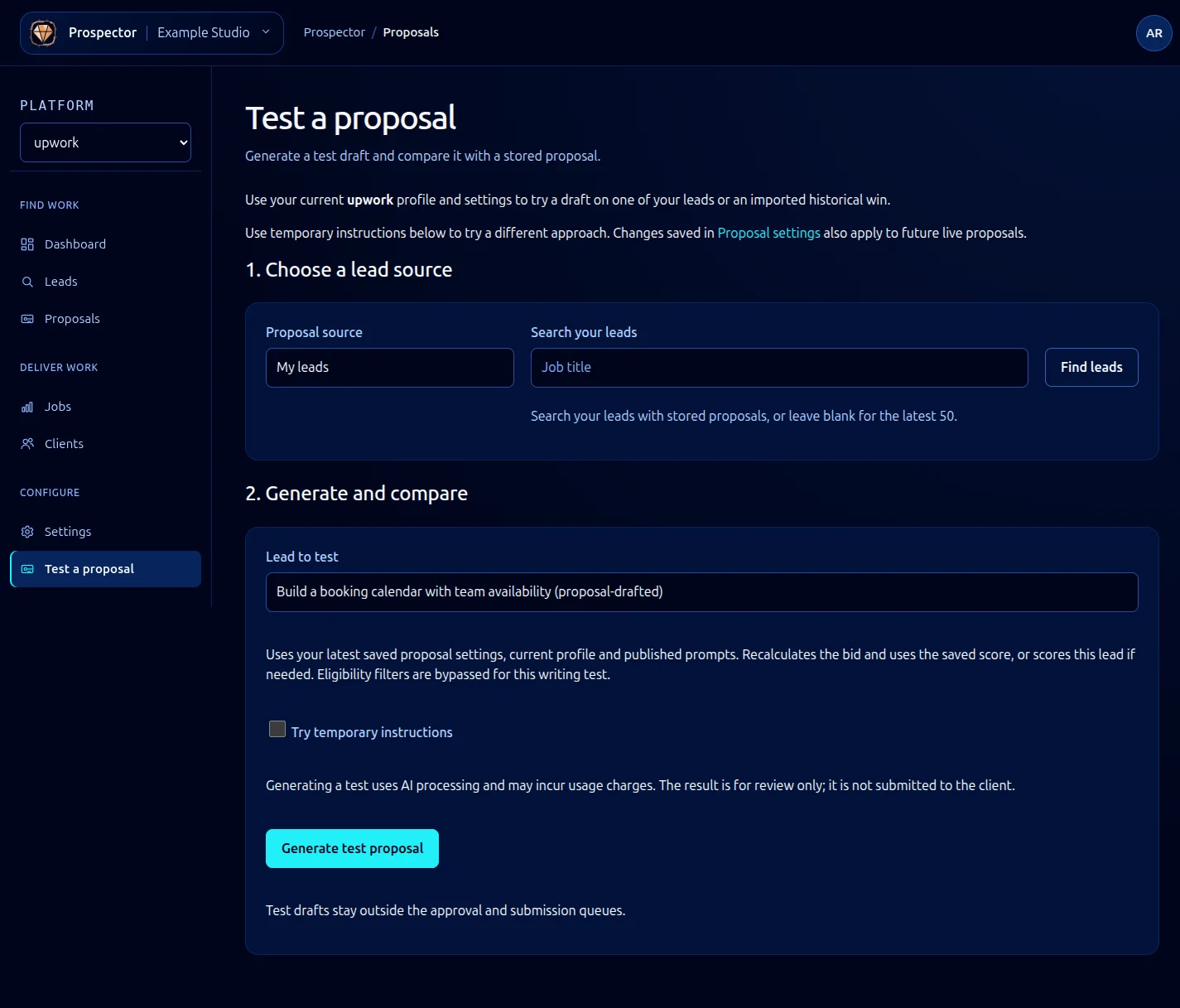
Open Test a proposal from the sidebar, or follow the test link from proposal settings. Generating a test uses AI processing and may incur usage charges.
- Save the profile and proposal settings you want to test.
- Choose My leads or Imported UpDemon wins as Proposal source. Imported history appears only if that archive is available to your account.
- Enter a title search if needed, then select Find leads.
- Choose Lead to test.
- Optionally select Try temporary instructions and enter instructions for this test. These do not replace your saved settings. Saving changes in Settings also affects future live proposals, so use temporary instructions for a comparison that should stay local to this test.
- Select Generate test proposal and compare the resulting text, price and reasoning with the existing proposal.
The test uses your current profile, saved settings and published prompts. It recalculates the bid and uses a saved score or scores the lead if needed. Eligibility filters are bypassed for this writing test, so a successful test does not prove the lead qualifies for the normal pipeline.
Test drafts stay outside approval and submission queues and are not sent to the client. If the result is poor, refine profile facts or writing settings, save, then run another deliberate comparison. If no leads appear, switch the source or broaden the search.
What it looks like