Navigation
concepts
Proposal Pipeline
Pipeline Stages
The proposal pipeline is the workflow that transforms a scored lead into a submitted proposal. It runs through five stages: template selection, context assembly, AI draft generation, review, and submission. Each stage can be configured independently, and the pipeline supports both fully automated and human-in-the-loop modes.
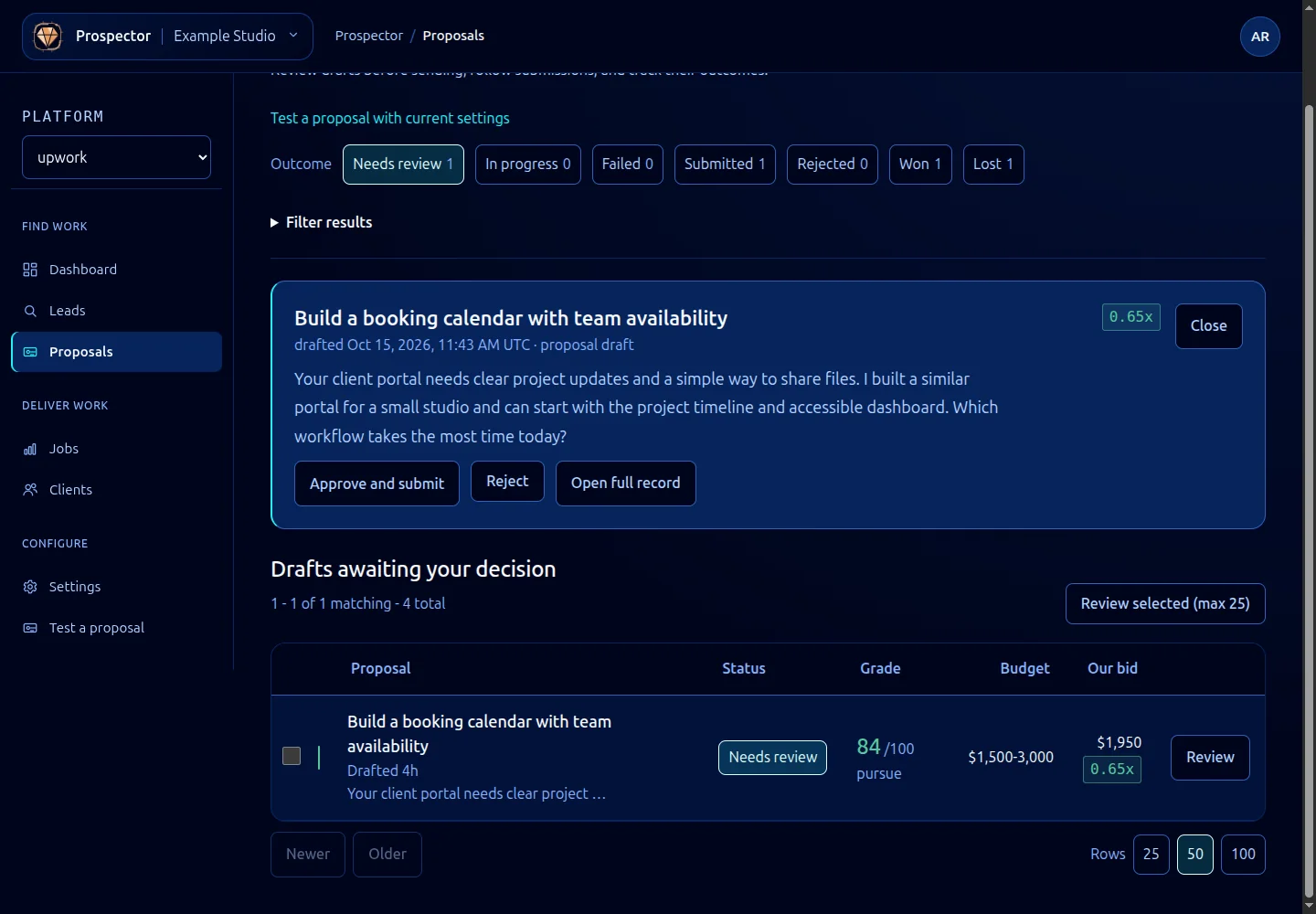
By default, Prospector pauses at the review stage and waits for your approval before submitting. You can enable auto-submit for leads above a certain score threshold if you trust your templates and scoring configuration.
Template Selection
When a lead enters the pipeline, Prospector selects a prompt template based on the job’s characteristics. You can define multiple templates for different job types (fixed-price vs. hourly, short-term vs. long-term, specific skill domains) and Prospector picks the best match.
Template selection uses the same skill-matching logic as the scoring model. If no specific template matches, Prospector falls back to your default template. See Writing Proposal Prompts for template authoring.
Context Assembly
Before generating a draft, Prospector assembles a context object containing everything the AI model needs to write a relevant proposal. This includes:
- The full job description and requirements
- Your skill profile and relevant experience
- The lead’s score breakdown (so the AI can emphasize your strongest match areas)
- Any portfolio items you have tagged as relevant to the job’s skill requirements
- The client’s history summary
The context object is passed to your prompt template as structured data. Templates use variable interpolation to reference specific fields.
interface ProposalContext {
job: {
title: string;
description: string;
skills: string[];
budget: { amount: number; type: 'fixed' | 'hourly' };
duration: string;
clientHistory: ClientSummary;
};
profile: {
skills: string[];
experience: string;
portfolio: PortfolioItem[];
};
score: LeadScore;
}
AI Draft Generation
Prospector sends your prompt template (with interpolated context) to the configured AI model and receives a draft proposal. The draft includes the proposal body, a suggested bid amount (based on the job’s budget and your rate preferences), and any cover letter customizations defined in your template.
Drafts are stored in Prospector’s local database with a pending_review status. You can view, edit, and approve them through the dashboard or CLI.
# List pending drafts
ghoststack prospector proposals --status pending_review
# View a specific draft
ghoststack prospector proposals show <proposal-id>
Review and Editing
During review, you can edit the draft text, adjust the bid amount, or reject the proposal entirely. Prospector tracks your edits and uses them as feedback for future template improvements (if you enable the learning feature).
The review stage is where you catch anything the AI got wrong. Common edits include adjusting tone, adding specific project references the AI did not know about, and correcting bid amounts for unusual job structures.
Submission
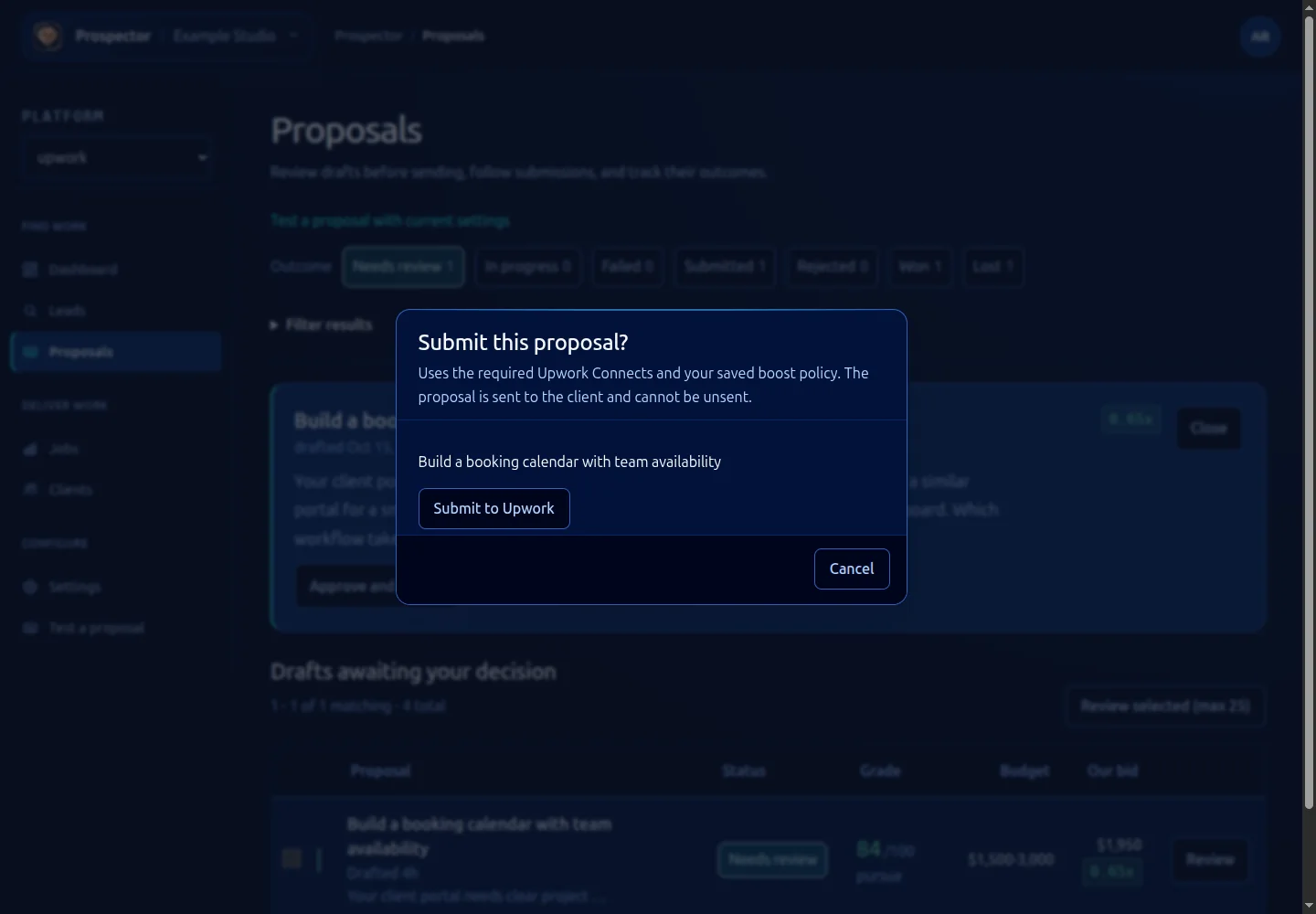
Once approved, Prospector submits the proposal through the connected platform’s API. It tracks the submission status and updates the lead’s state to proposal_sent. If the platform reports an error (rate limits, account restrictions, posting closed), Prospector surfaces the error and moves the lead to a submission_failed state for manual intervention.
After submission, the lead enters a monitoring phase. Prospector watches for client responses, interview invitations, and hiring decisions. If you win the contract, the lead transitions to post-win operations.