Navigation
Prospector access. Public access is not open. This product is separate from initial Identity and Apparatus access.
Screenshots use fictional demonstration accounts. Your data and available actions may differ. Reviewed October 15, 2026.
Deliver work
Record delivery checks
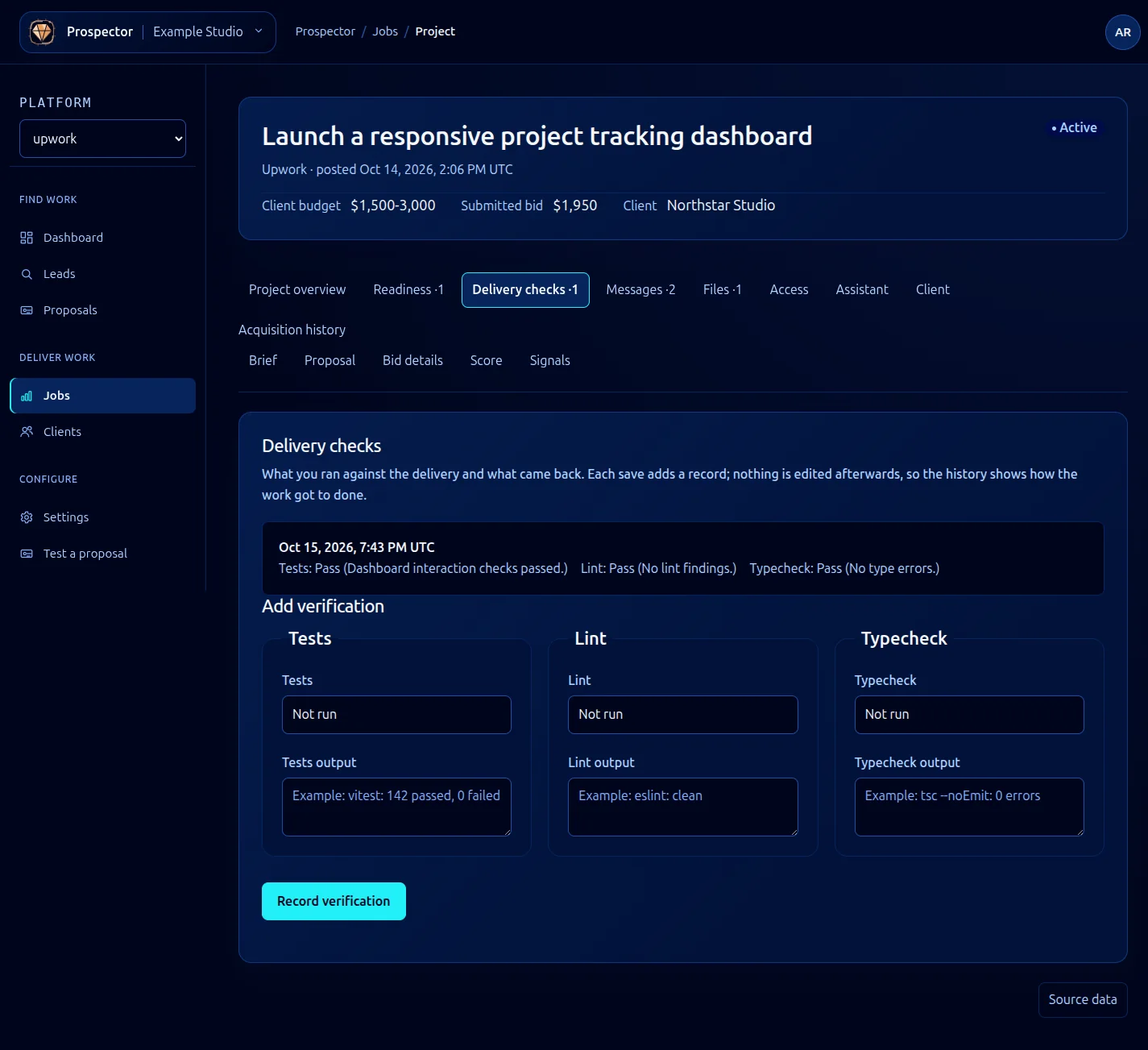
Open a won job and select Delivery checks. The form records checks you have actually run; it does not run your project’s tools for you.
- Review the existing verification history, then run the relevant tests, lint and typecheck in your project environment.
- Set each result to Pass, Fail or Not run accurately.
- Paste a useful summary or output into the matching field. Remove credentials and private data that do not belong in the record.
- Select Record verification.
- Check the dated entry in the history.
Each save adds a record. Earlier entries are not edited, so the history shows how the work reached its delivered state. If a failed check is later fixed, run it again and add the new result rather than rewriting the earlier record.
Use Not run when a check was not performed. Passing tests alone do not resolve missing access or decisions; review Readiness before closing.
What it looks like