Navigation
Prospector access. Public access is not open. This product is separate from initial Identity and Apparatus access.
Screenshots use fictional demonstration accounts. Your data and available actions may differ. Reviewed October 15, 2026.
Reference
Choose the browser or integration interface
For normal use, start with the browser tutorials. The previous version of this reference described generic scan and proposal endpoints that do not match the current application.
Inspect a record without an API client
- Open the lead or job in Prospector.
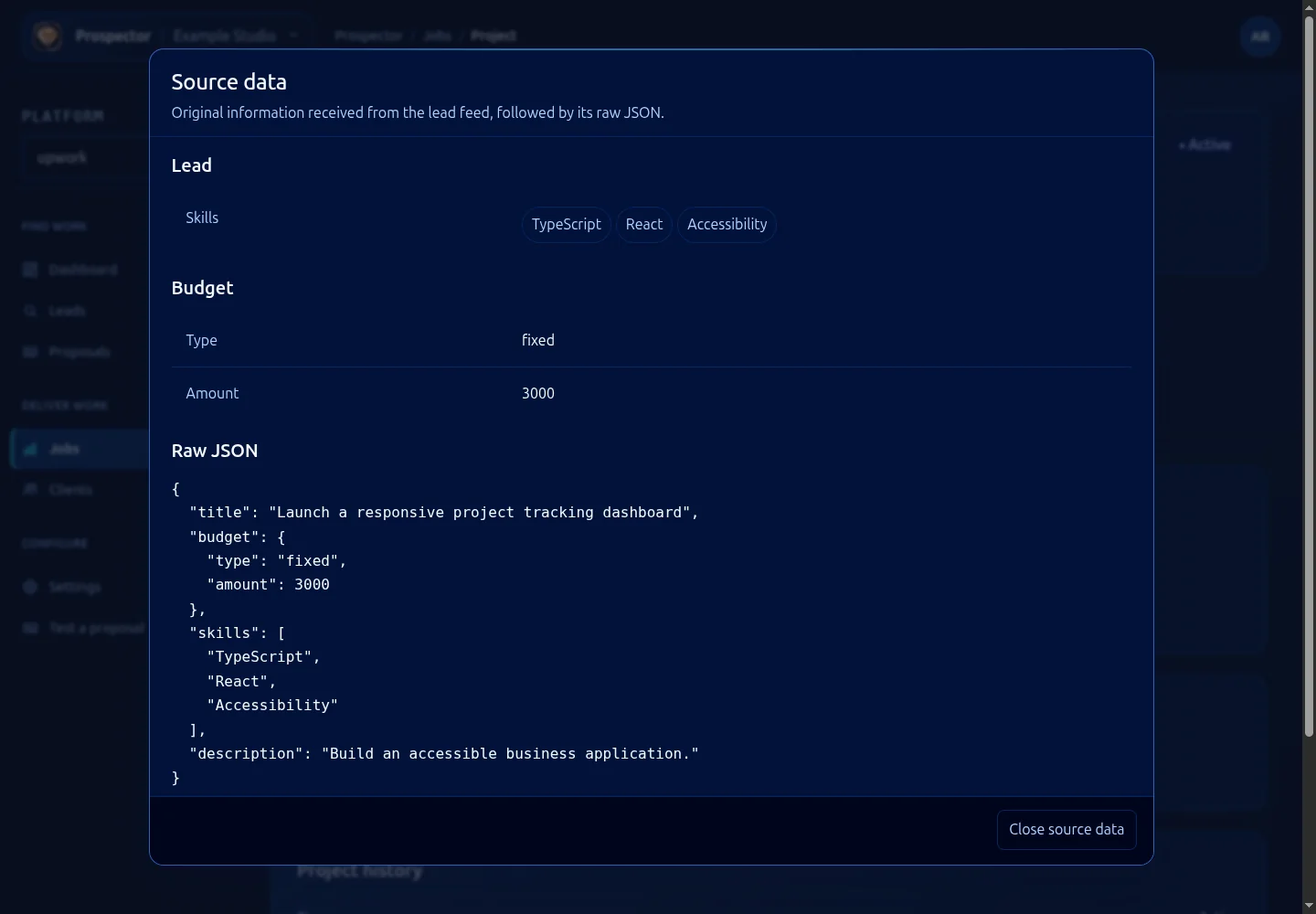
- Select Source data to inspect its stored payload.
- Use the workspace tabs for the interpreted brief, score, proposal and delivery records.
- Close the payload with Close source data. Keep private fields out of public reports.
Integration boundaries
The current server contains authenticated tool and MCP routes, a per-workspace UpHunt webhook and health endpoints. Their presence does not make them anonymous public APIs or grant permission to call tools. Use the approved integration and authentication contract for your deployment before building a client.
/api/healthz reports process/build liveness. /api/readyz checks readiness dependencies. Neither endpoint grants access to lead records or proves a complete client workflow succeeded.
For incoming lead delivery, obtain the exact URL from Ingestion feeds. Do not construct a webhook URL by guessing a workspace ID, and never publish its embedded secret. For browser automation through Pilot, use the separate Pilot guides.
What it looks like