Navigation
Prospector access. Public access is not open. This product is separate from initial Identity and Apparatus access.
Screenshots use fictional demonstration accounts. Your data and available actions may differ. Reviewed October 15, 2026.
Reference
Read activity and lifecycle records
Prospector shows several kinds of activity. They have different meanings; a recorded observation is not automatically a state transition.
| Activity | Where to read or record it | What it means |
|---|---|---|
| Ingested posting | Leads and Brief | A source supplied an opportunity. |
| Qualification | Score | The stored assessment under the relevant grading policy. |
| Proposal outcome | Proposals and contextual record actions | The recorded submission, rejection, win or loss state. |
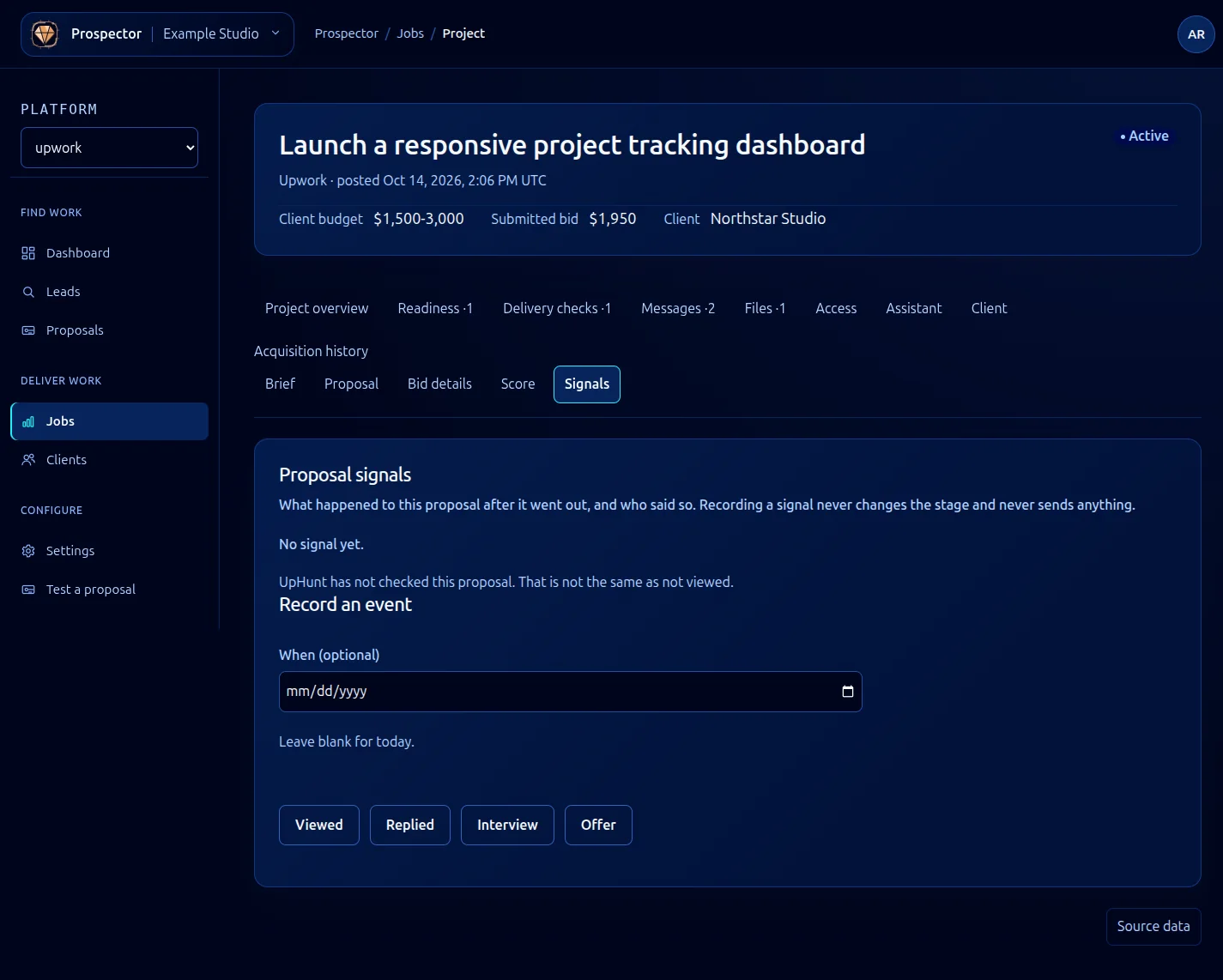
| Client activity | Signals | An observation such as viewed, replied, interview or offer. |
| Conversation | Messages | A recorded message sent or received elsewhere. |
| Delivery evidence | Work | A dated result you recorded from checks you ran. |
| Missing requirement | Readiness | A gap still to resolve or dismiss before closing work. |
- Open the relevant record and choose the tab for the evidence you need.
- Read dates, source information and the active stage together.
- Use the lifecycle action only when the real outcome justifies it. For example, record a hire with Mark won, rather than inferring it from an Offer signal.
The dashboard can refresh when underlying records change. That behavior is not a promise of a public outbound event-subscription API. The older generic event payload examples have been removed because they did not document a verified public contract.
For incoming feed setup, use Connect Upwork through UpHunt.
What it looks like