Navigation
Prospector access. Public access is not open. This product is separate from initial Identity and Apparatus access.
Screenshots use fictional demonstration accounts. Your data and available actions may differ. Reviewed October 15, 2026.
Reference
Understand access and private data
Prospector uses Identity for sign-in and permitted-tool navigation. Its pages and actions still enforce their own access checks; a hidden or visible menu item is not the entire permission boundary.
Use the right account and workspace
- Check the account and workspace before opening records or changing settings.
- Manage account security and active sessions in Identity.
- Expect Draft quality, Cortex usage, the dashboard’s Spend and throughput section, and exceptional operator controls to require the separate super-admin role. Provider cost is restricted on job lists and project records too.
Keep secrets in their intended controls
- Put the UpHunt key in Connections & automation, not in a proposal or conversation. The saved key is not shown again.
- Treat a discovery webhook URL as a secret because it contains its authorization value.
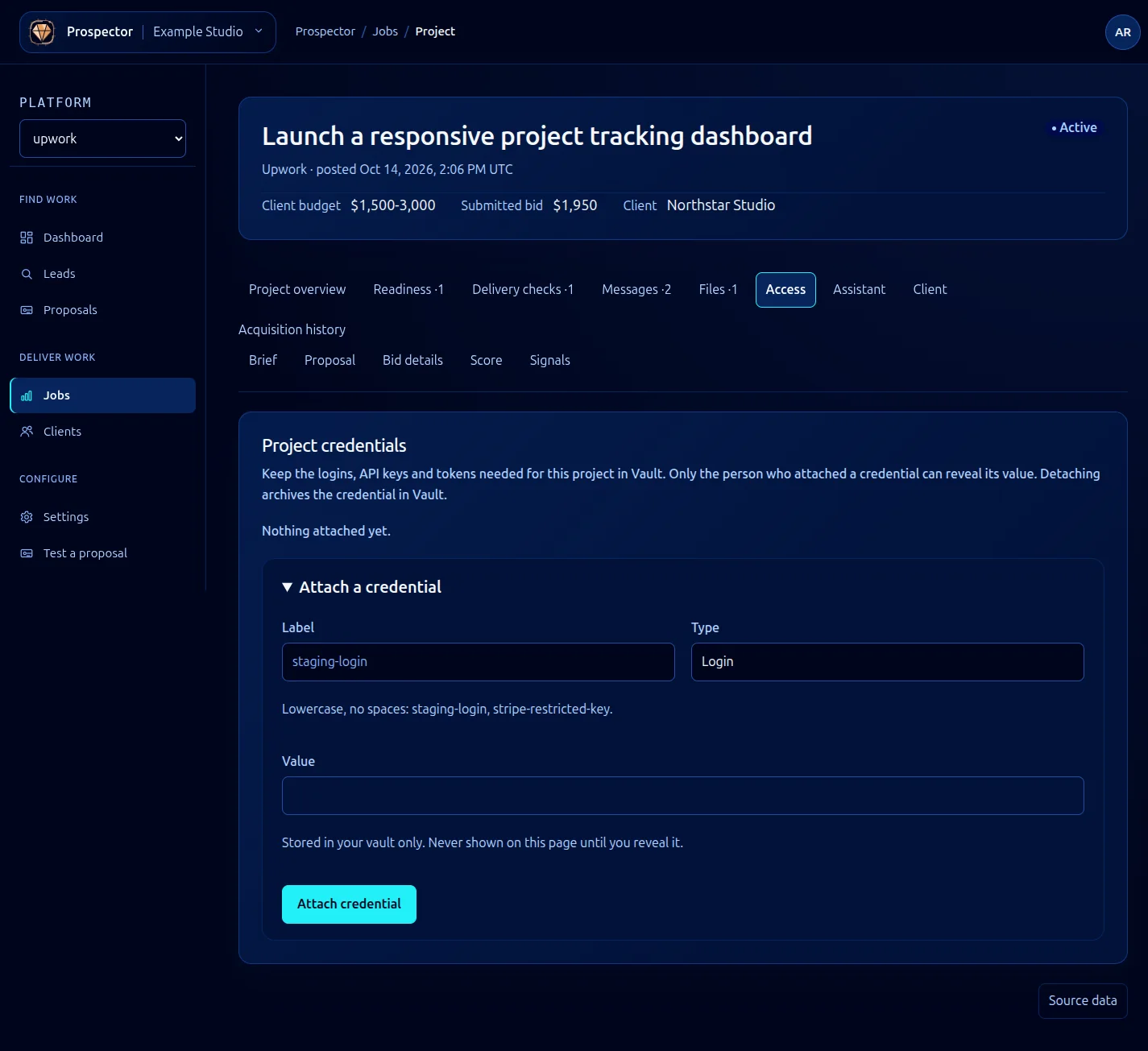
- Use Access for Vault-backed credentials. Only the attaching user can reveal the value.
- Keep secrets and unrelated personal data out of exported lists, screenshots, logs and recorded test output.
Review permission to act
A manual proposal submission requires a deliberate approval. Arming automatic submission grants standing permission within the chosen limits; it does not merely enable a visual status badge. Disarm stops future automatic submissions but cannot retract proposals already sent.
If a tool disappears or access is denied, check Identity permissions and the selected workspace. Do not work around the denial by sharing another person’s session or credential.
What it looks like