Navigation

concepts

Lead Scoring

The Scoring Model

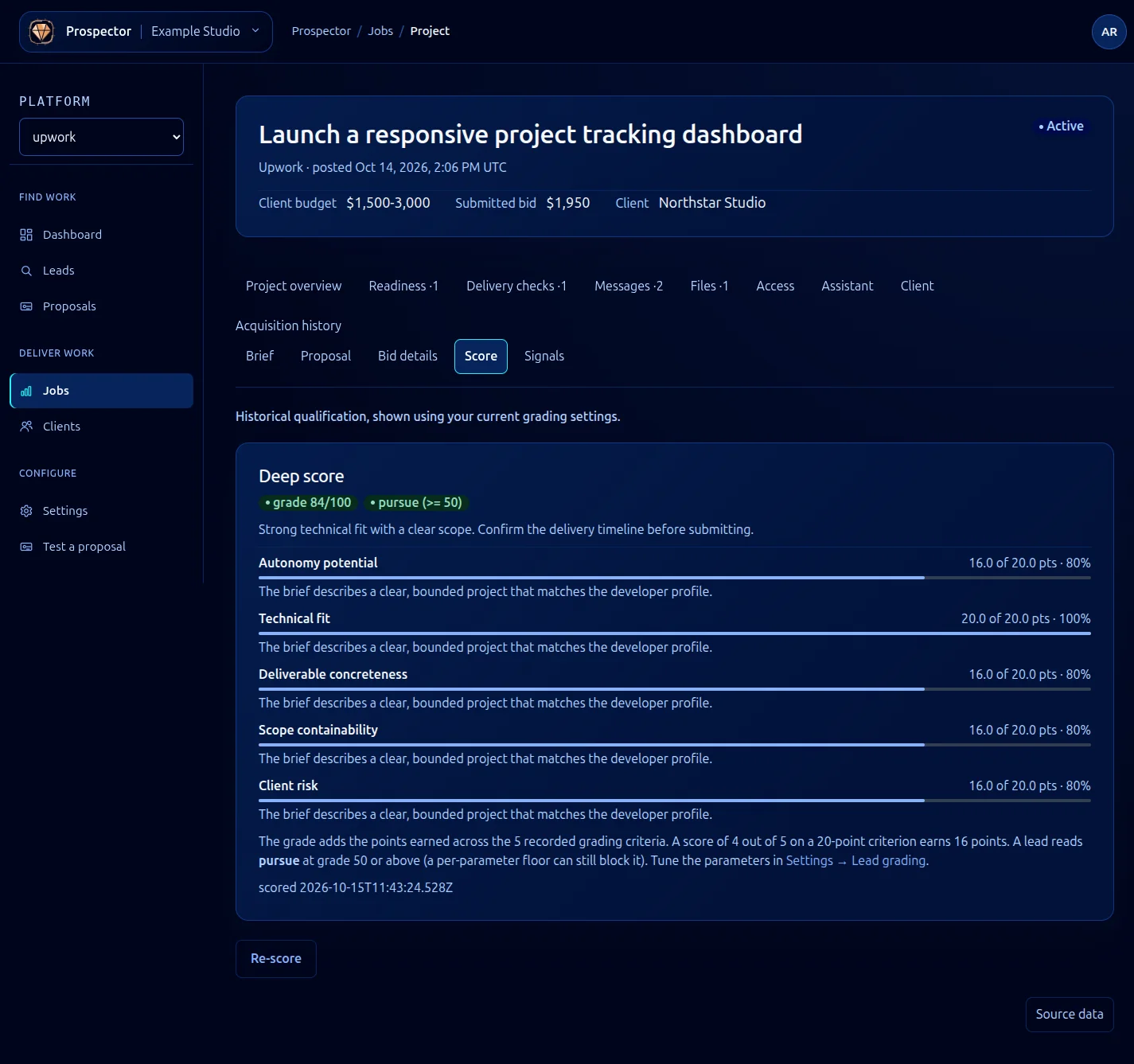
Prospector assigns every discovered lead a score from 0 to 100. This score represents how well a job posting matches your profile and how likely it is to be worth pursuing. The model combines five signal categories, each contributing a weighted portion of the final score.

The default weights are tuned for general freelance work, but you should adjust them for your specific situation. A developer who targets long-term retainers will weight client history differently than someone who takes short fixed-price projects. See Tuning Scoring for instructions on adjusting weights.

Signal Categories

Skill Match (default weight: 30%)

Prospector compares the job’s required skills against your profile. It uses both exact matches and semantic similarity, so “React.js” matches “React” and “TypeScript” partially matches “JavaScript.” The skill match score reflects how many of the job’s requirements you cover and how closely.

Budget Alignment (default weight: 20%)

This signal measures whether the job’s budget falls within your configured range. Jobs at or above your preferred rate score highest. Jobs below your minimum still appear but receive a reduced budget score. Hourly and fixed-price budgets are normalized for comparison.

Client History (default weight: 25%)

Prospector pulls the client’s platform history: total spend, number of past hires, average review rating, and hire rate (offers made vs. jobs posted). Clients with a track record of hiring, paying fairly, and leaving positive reviews score higher. New clients with no history receive a neutral score rather than a penalty.

Competition Density (default weight: 15%)

This signal estimates how many other freelancers are likely competing for the job. It factors in the number of proposals already submitted (when the platform exposes this), the job’s age, and its visibility. Lower competition means a higher score.

Timeline Feasibility (default weight: 10%)

Prospector checks whether the job’s timeline aligns with your availability. If you have marked certain weeks as unavailable or set a maximum concurrent project count, jobs with conflicting timelines score lower.

Confidence Scores

In addition to the composite score, each lead carries a confidence value from 0 to 1. Confidence reflects how much data Prospector had to work with when computing the score. A job with a detailed description, clear budget, and a client with extensive history gets high confidence. A vague posting from a new client gets a lower confidence value.

Confidence is useful for filtering. A lead with a score of 80 and confidence of 0.9 is a strong signal. A lead with a score of 80 and confidence of 0.3 means Prospector is guessing, and you should review it manually before investing proposal effort.

interface LeadScore {
  composite: number; // 0-100
  confidence: number; // 0.0-1.0
  signals: {
    skillMatch: number; // 0-100 (before weighting)
    budget: number; // 0-100
    clientHistory: number; // 0-100
    competition: number; // 0-100
    timeline: number; // 0-100
  };
  weights: {
    skillMatch: number; // 0.0-1.0, default 0.30
    budget: number; // 0.0-1.0, default 0.20
    clientHistory: number; // 0.0-1.0, default 0.25
    competition: number; // 0.0-1.0, default 0.15
    timeline: number; // 0.0-1.0, default 0.10
  };
}

Score Decay

Scores are not static. Prospector recalculates them periodically as conditions change. A job that initially had low competition may attract more proposals over time, reducing its competition score. Similarly, a client who hires someone else for the same role triggers a score recalculation.

By default, Prospector rechecks active leads every 4 hours. You can adjust this interval in your configuration or disable recalculation entirely for leads you have already reviewed.