Navigation

concepts

Post-Win Operations

From Proposal to Contract

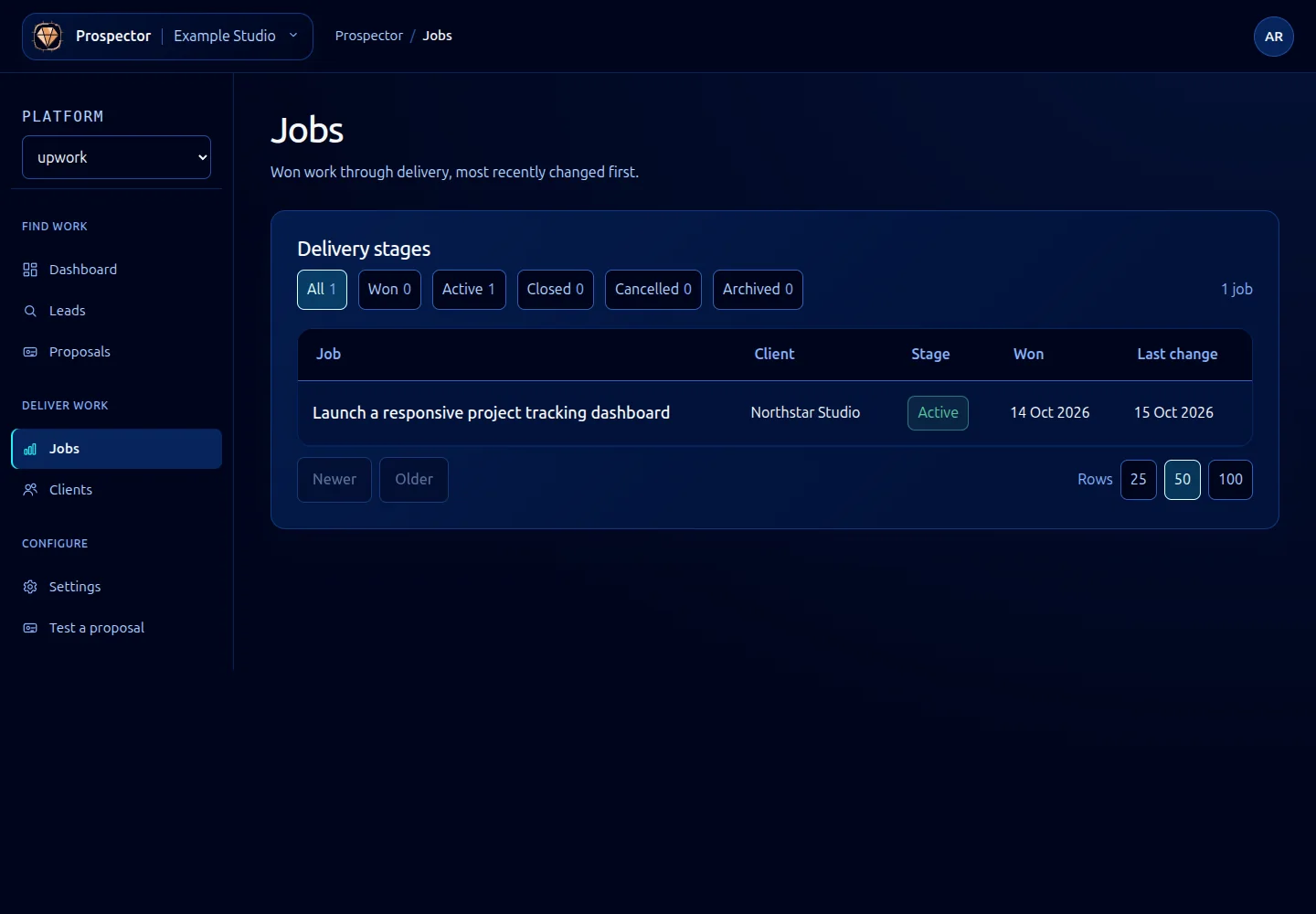
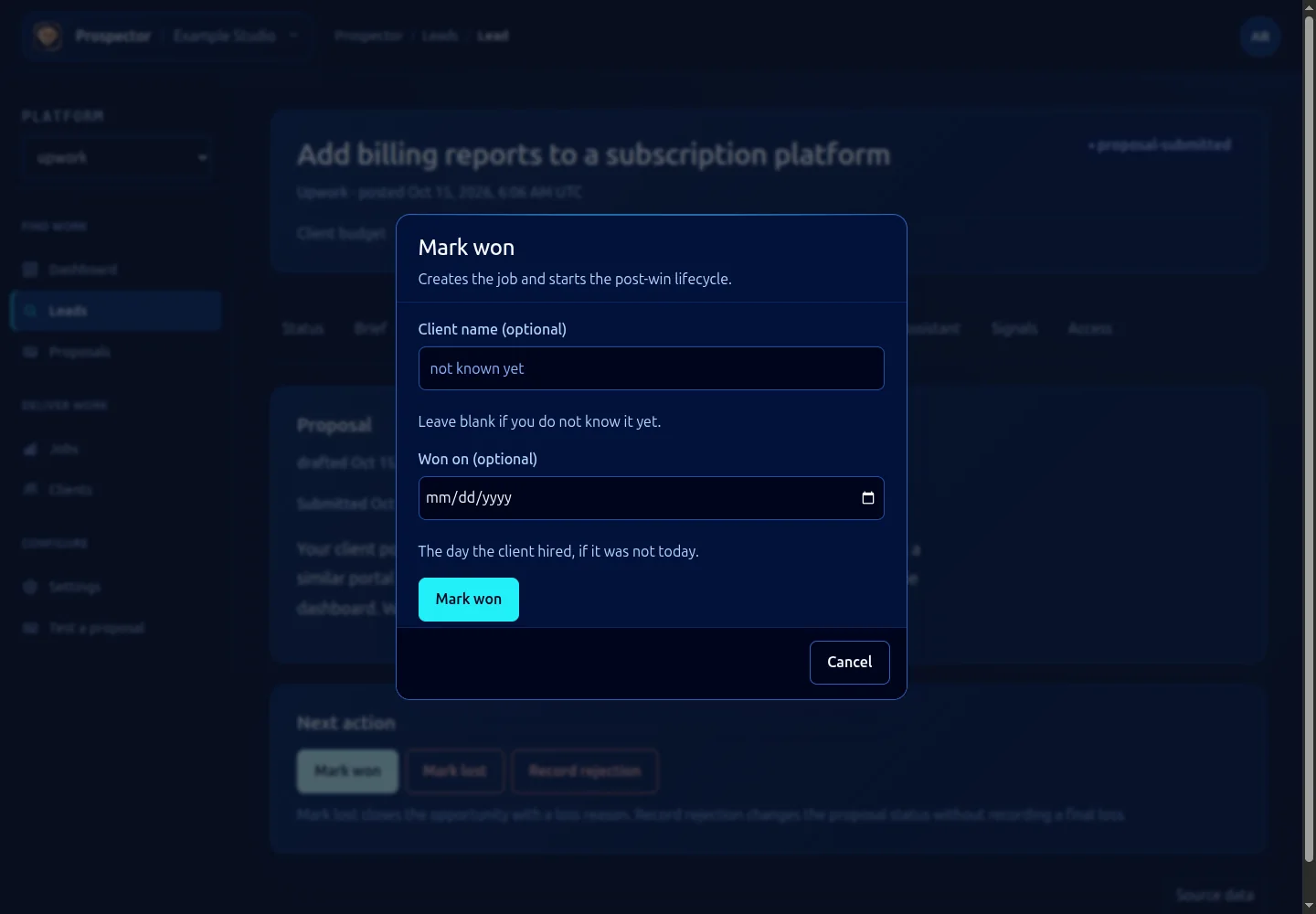
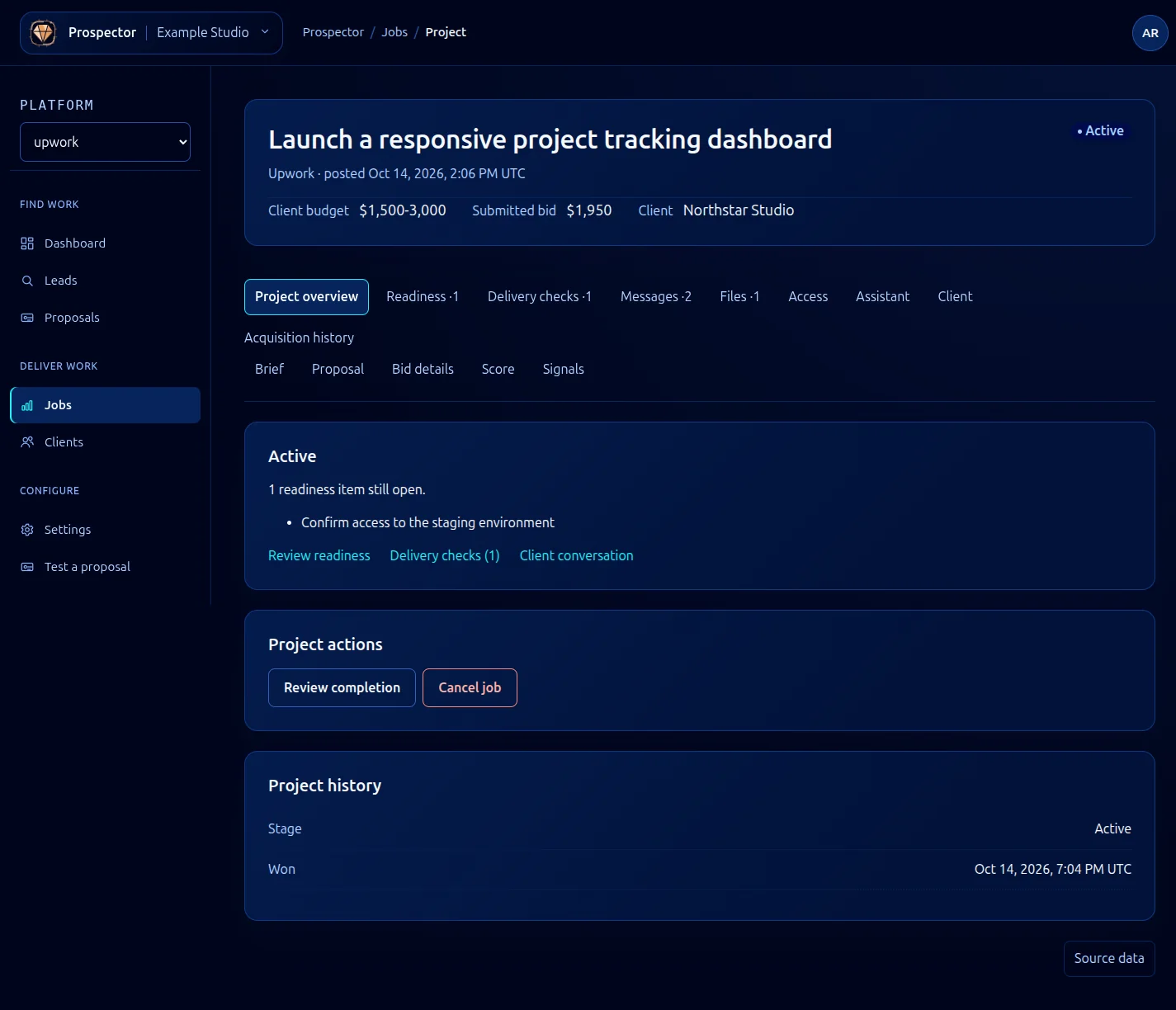
When a client hires you through a platform where Prospector submitted a proposal, the lead’s status transitions from proposal_sent to contract_active. Prospector picks up the contract details from the platform API: agreed rate, milestones (if applicable), start date, and any deliverables specified in the contract terms.

Post-win operations are optional. If you prefer to manage active contracts through a separate tool, you can disable post-win tracking globally or per contract. But if you keep it enabled, Prospector gives you a lightweight project-tracking layer that stays connected to the original lead data.

Milestone Tracking

For fixed-price contracts with milestones, Prospector imports the milestone schedule and tracks your progress against it. Each milestone gets a status: upcoming, in_progress, submitted, approved, or revision_requested.

Prospector does not manage your actual work. It watches the platform for milestone-related events (approval, revision requests, payment releases) and updates the local state accordingly. You mark milestones as in_progress and submitted manually through the dashboard or CLI.

# List milestones for an active contract
ghoststack prospector contracts milestones <contract-id>

# Mark a milestone as submitted
ghoststack prospector contracts milestone-submit <contract-id> --milestone 2

Reminders and Notifications

Prospector sends reminders based on your contract timeline. These include:

  • Milestone deadlines: a reminder 48 hours before a milestone is due, and another at 24 hours
  • Client response delays: if a submitted milestone has not been reviewed within your configured threshold (default: 5 days), Prospector flags it
  • Contract end dates: for hourly contracts with defined end dates, a reminder one week before the contract closes

Reminders are delivered through your configured notification channel. By default, this is the GhostStack dashboard, but you can route them to email, Slack, or any webhook endpoint. See Events for webhook configuration.

Invoice Prompts

When a milestone is approved or an hourly billing period ends, Prospector generates an invoice prompt. This is not a full invoicing system. It creates a summary of billable work (hours logged, milestone amounts, expenses if tracked) and either sends it to your invoicing tool via webhook or displays it in the dashboard for you to copy into your own invoice.

{
  "event": "invoice_prompt",
  "contract_id": "ctr_8f3k2m",
  "period": {
    "start": "2026-04-01",
    "end": "2026-04-15"
  },
  "summary": {
    "hours": 32,
    "rate": 125.0,
    "total": 4000.0,
    "currency": "USD"
  }
}

Contract Analytics

Prospector stores historical data for completed contracts: total earnings, time-to-hire (from proposal to contract start), client ratings, and whether the contract led to follow-up work. Over time, this data feeds back into the scoring model. Clients you have worked with before get a history boost, and job types that have historically converted well for you score higher.

You can view contract analytics in the dashboard under Prospector > Analytics or query them through the REST API.