Navigation
Prospector access. Public access is not open. This product is separate from initial Identity and Apparatus access.
Screenshots use fictional demonstration accounts. Your data and available actions may differ. Reviewed October 15, 2026.
Deliver work
Review clients and record your trust assessment
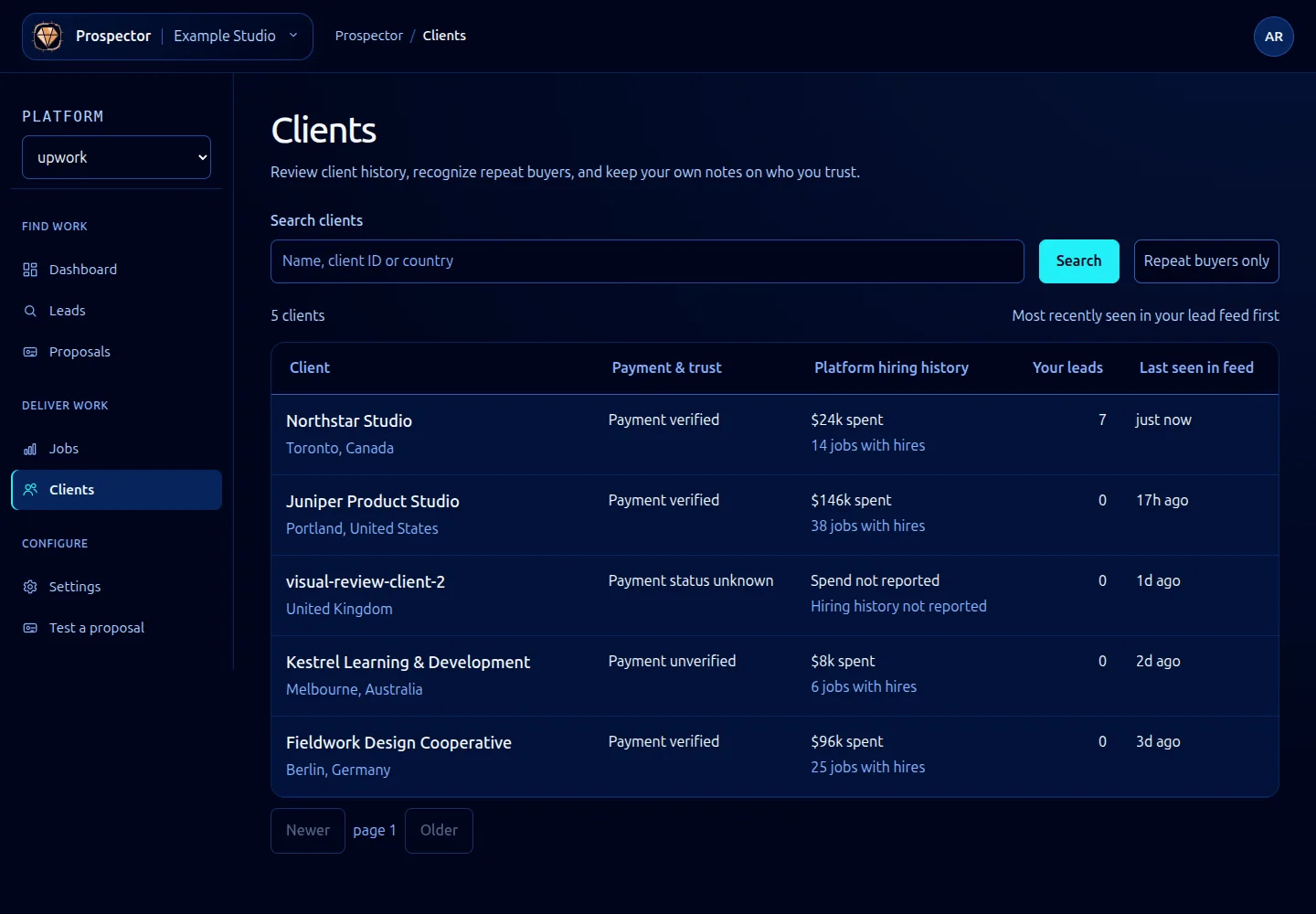
Open Clients to find buyers associated with your leads.
- Enter a client search and select Search. Use Repeat buyers only when you want returning buyers.
- Open a client to review location, platform spend, hires, rating, feedback and proposal history.
- Under Client name, enter a recognizable name and select Save name. Leave it blank to use the platform identifier. Incoming platform updates preserve a name you set.
- Under Your trust assessment, choose Yes, No or Clear to record or remove your own judgment.
- Open an item in Work history to review the lead or job and its conversation.
Your trust assessment is separate from the marketplace’s payment verified status. A verification badge is not your team’s personal endorsement, and selecting Yes does not verify a payment account.
The Client tab inside a lead shows the buyer information associated with that lead. The full client page brings the buyer’s records together. If a client is absent from a search, clear the search and check the workspace and platform.
What it looks like
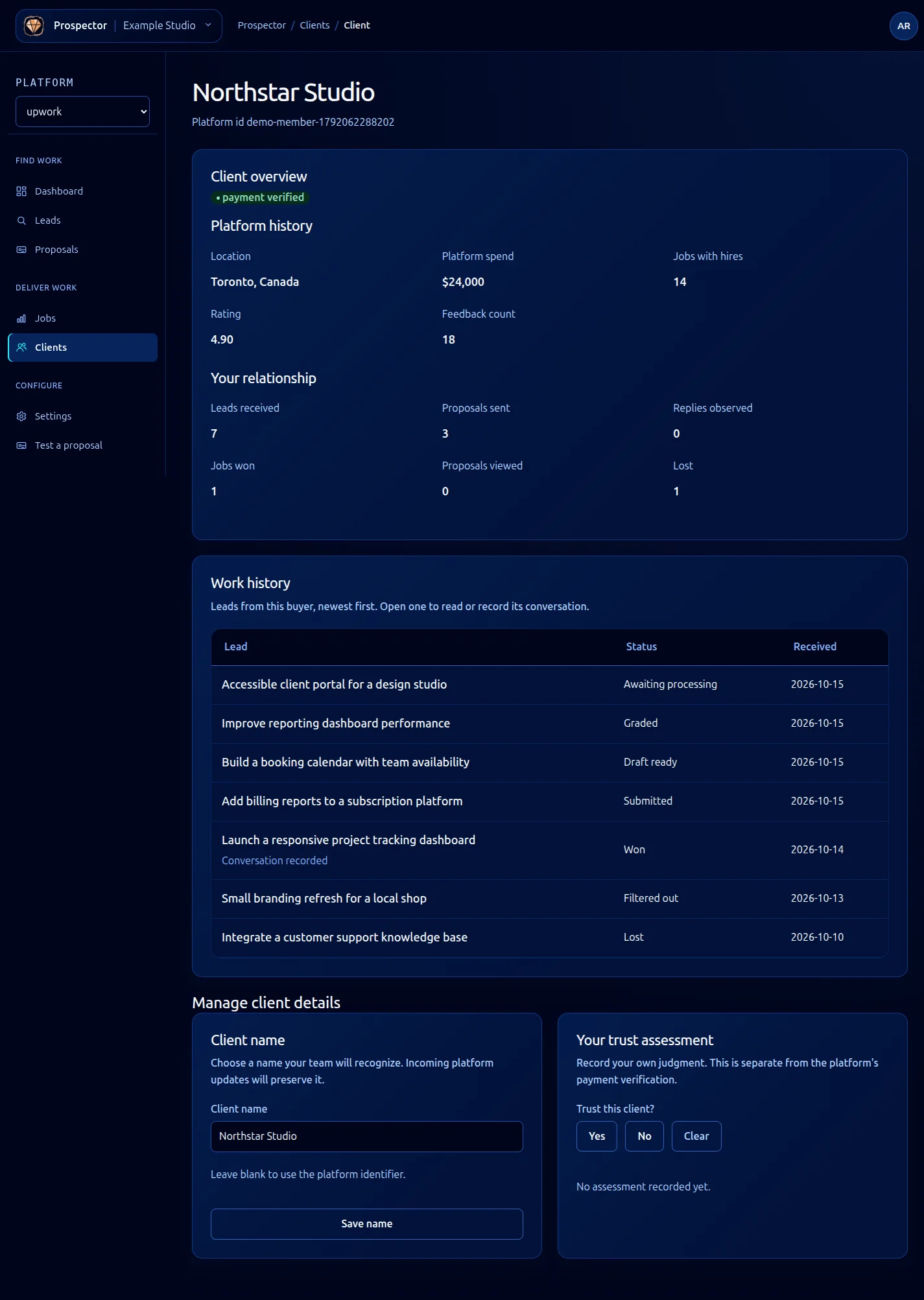
Open this screenshot at full size.