Navigation
guides
Tuning Scoring
Why Tune Scoring
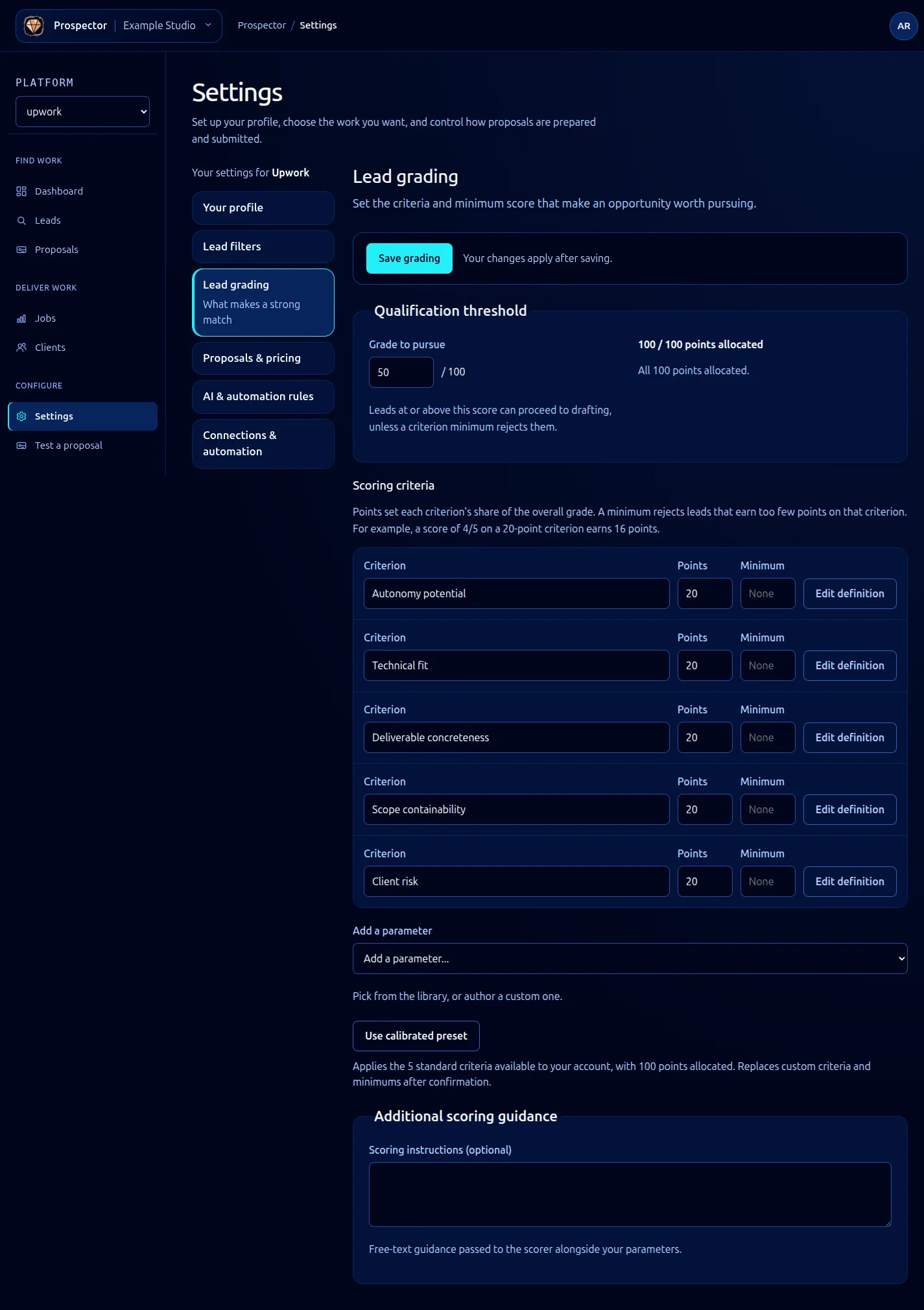
Prospector’s default scoring weights are designed for a general freelance profile, but general defaults are rarely optimal for a specific business. If you focus on long-term hourly contracts with established clients, client history should carry more weight than competition density. If you compete in a high-volume niche, competition density matters more than budget alignment.
Tuning is an iterative process. Start with the defaults, review a few scan results, and adjust weights based on which leads you would actually pursue versus which ones Prospector ranked highly.
Adjusting Weights
Weights are defined as decimal values between 0.0 and 1.0. They must sum to 1.0 across all five signal categories.
# ~/.ghoststack/prospector.yaml (scoring section)
scoring:
weights:
skill_match: 0.35
budget: 0.15
client_history: 0.30
competition: 0.10
timeline: 0.10
If your weights do not sum to 1.0, Prospector normalizes them automatically and logs a warning. It is better to set them correctly yourself so the values in your config match what Prospector actually uses.
Setting Score Thresholds
Thresholds control which leads appear in your results and which enter the proposal pipeline.
scoring:
thresholds:
display_min: 30 # Leads below this score are hidden from scan results
review_min: 50 # Leads below this are shown but not eligible for proposals
auto_pipeline_min: 75 # Leads at or above this enter the pipeline automatically
The auto_pipeline_min threshold interacts with the rules engine. A lead must pass both the score threshold and any active rules to enter the pipeline automatically.
Per-Signal Configuration
Beyond weights, each signal category has its own tunable parameters.
Skill Match
scoring:
skill_match:
exact_match_bonus: 15 # Extra points for exact skill name matches
semantic_threshold: 0.7 # Minimum similarity score for semantic matches
missing_penalty: 10 # Points deducted per required skill you lack
The semantic_threshold controls how aggressively Prospector matches related skills. A lower threshold catches more matches but increases false positives (e.g., “Java” matching “JavaScript” at low thresholds).
Budget
scoring:
budget:
preferred_min: 1000 # Your ideal minimum project value (USD)
preferred_max: 10000 # Your ideal maximum project value (USD)
below_min_penalty: 25 # Score reduction for jobs below your minimum
hourly_rate_target: 125 # Your target hourly rate for hourly jobs
Client History
scoring:
client_history:
min_spend_for_bonus: 10000 # Minimum total client spend to earn a history bonus
min_rating: 4.0 # Clients below this rating get a penalty
new_client_score: 50 # Neutral score for clients with no history
Backtesting Changes
After adjusting weights or parameters, backtest against your recent lead history to see how the changes affect rankings:
# Compare current vs. proposed scoring on the last 100 leads
ghoststack prospector scoring backtest \
--config ~/.ghoststack/prospector-proposed.yaml \
--count 100
The backtest command outputs a side-by-side comparison showing how each lead’s rank would change under the new configuration. Look for leads you know were good opportunities that ranked poorly, or bad leads that ranked too high.
Lead Current Proposed Delta
"React Native app - $5000" 72 81 +9
"WordPress blog - $200" 45 28 -17
"API integration - $3000" 68 74 +6
Common Tuning Patterns
Premium positioning: Set budget.preferred_min high and increase budget weight to 0.30. This pushes low-budget jobs down the list.
Relationship focus: Increase client_history weight to 0.35 and reduce competition to 0.05. Prioritizes jobs from clients with proven track records.
Volume strategy: Increase competition weight and lower display_min threshold. Surfaces more leads including those in competitive niches.
Specialist mode: Increase skill_match weight to 0.40 and set exact_match_bonus to 20. Heavily favors jobs that match your exact skill set.