Navigation
Screenshots show the released Identity interface with fictional demonstration accounts. Reviewed October 15, 2026.
Your account
Review sign-in methods
Where: choose Sign-in methods in the sidebar or from Profile.
Check how you can sign in
The list shows the methods linked to your account and when they were linked. Email + password, Google and GitHub are sign-in methods. They are separate from applications you authorize to access GhostStack.
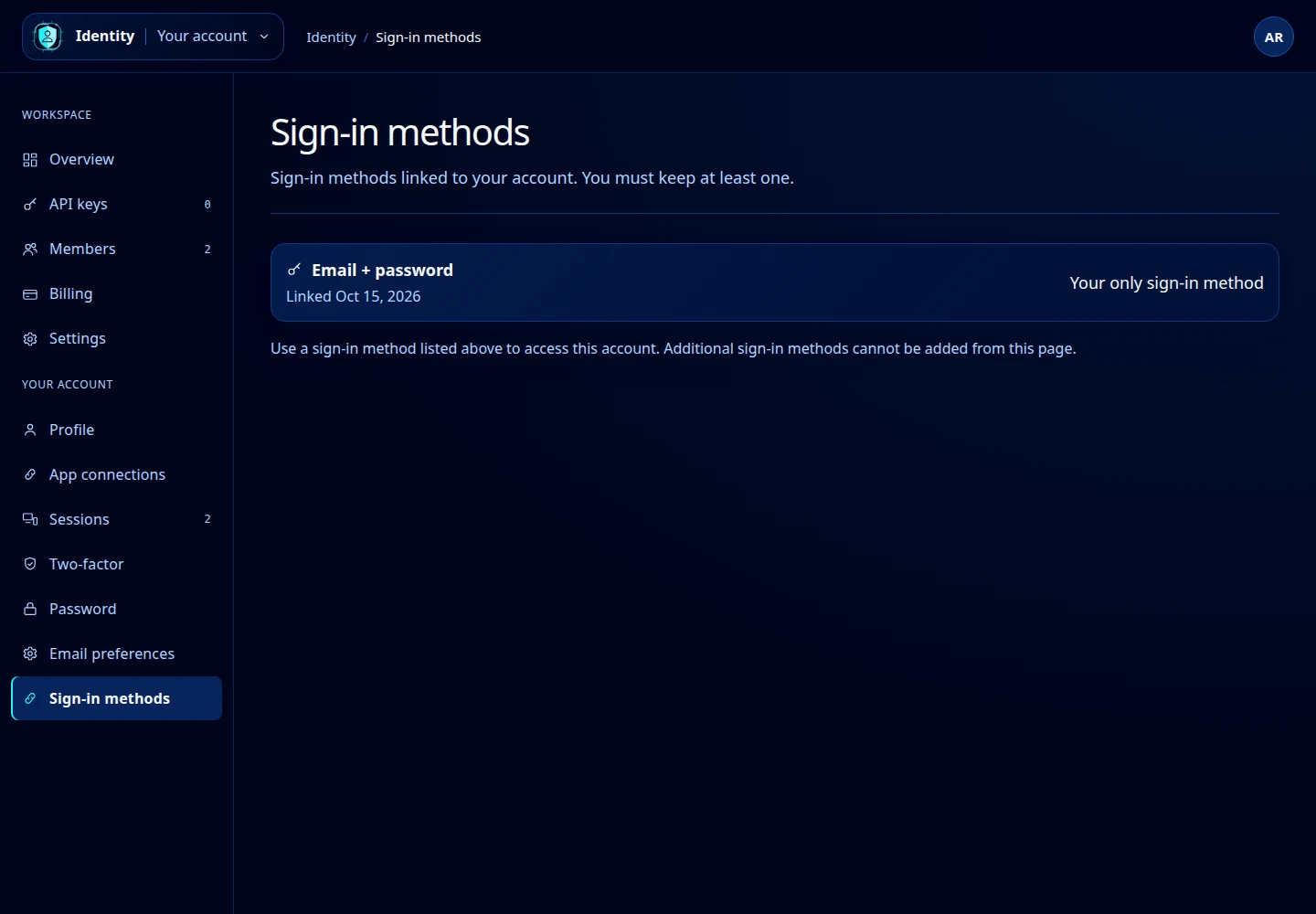
Open this screenshot at full size.
Unlink a method
- Make sure another listed sign-in method is available to you.
- Find the method you no longer need.
- Select Unlink when that control is available, then check the updated list.
Identity requires at least one sign-in method. If only one remains, the page says Your only sign-in method instead of offering Unlink.
Add a method
This page currently does not provide an action to add another sign-in method. Do not interpret the absence of an Add button as a loading failure. If your existing method is unavailable, use account recovery or contact support.
For access granted to an AI client or browser extension, use App connections.