Navigation
Screenshots show the released Identity interface with fictional demonstration accounts. Reviewed October 15, 2026.
Your account
Choose email preferences
Where: choose Email preferences in the sidebar or from Profile. You may also see this page after registration.
Save your preference
- Review the product-news and offers choice.
- Check it to receive those messages, or clear it to opt out.
- Select Save preferences.
- Look for Your email preferences have been saved.
- Select Continue to dashboard when finished.
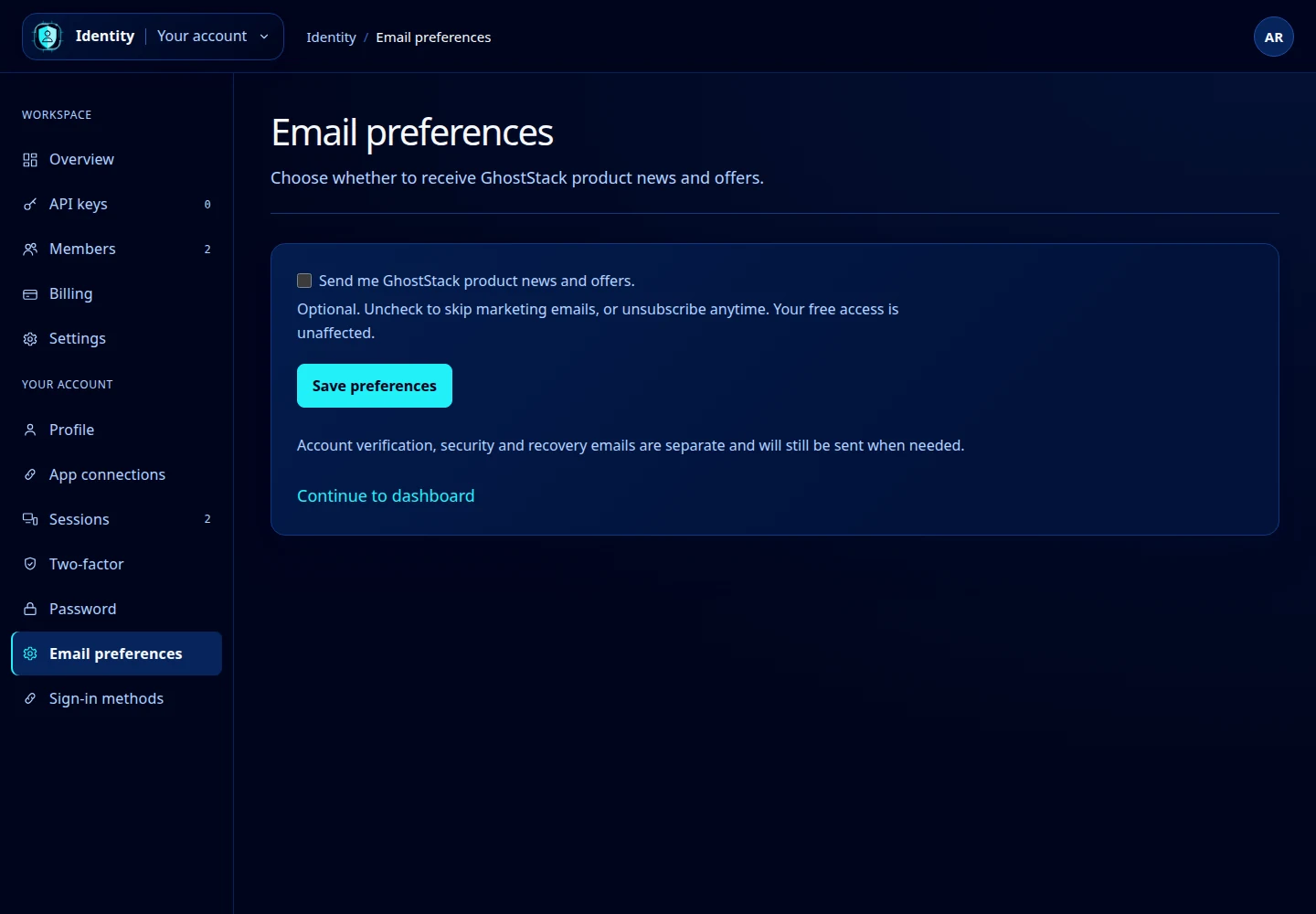
Open this screenshot at full size.
What this changes
This preference controls GhostStack product news and offers. Account verification, security notifications and recovery messages are separate and still arrive when needed.
You can also follow an unsubscribe link in a marketing email. Complete the unsubscribe prompt and check the confirmation page. If the link is no longer valid, sign in and change the preference here.
To change the address used for these messages, see Profile and email. Workspace billing and contact addresses are configured separately in Workspace settings.