Navigation
Screenshots show the released Identity interface with fictional demonstration accounts. Reviewed October 15, 2026.
Start here
Recover account access
Reset a forgotten password
- From Sign in, select Forgot your password?, or open Reset password.
- Enter the email address used by your account.
- Select Send reset link and check your inbox, including spam.
- Open the reset link within one hour.
- Enter New password and Confirm new password, using at least 12 characters.
- Select Set new password, then sign in with the new password.
A completed reset signs you out of every device. Other outstanding password-reset links also stop working.
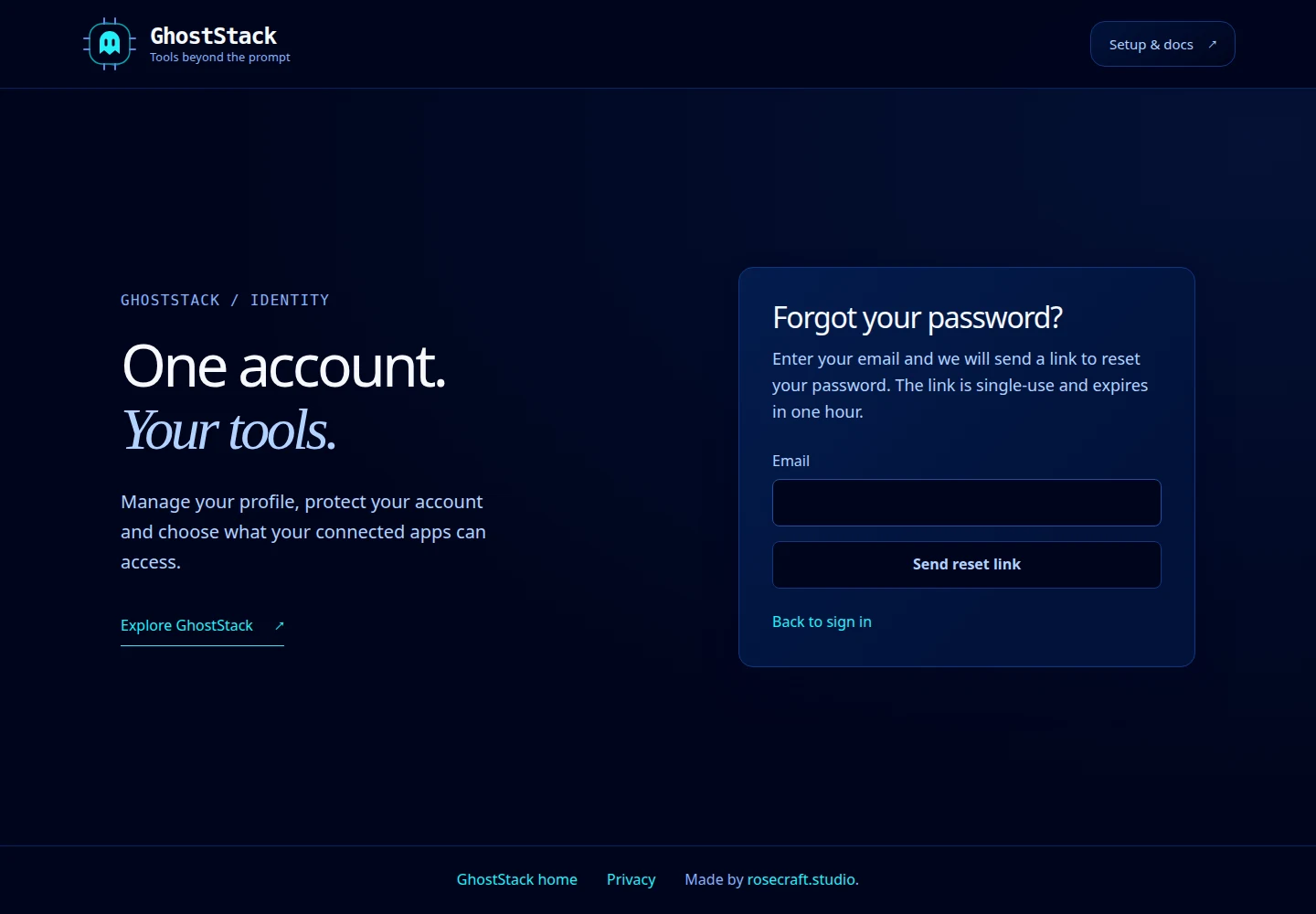
Open this screenshot at full size.
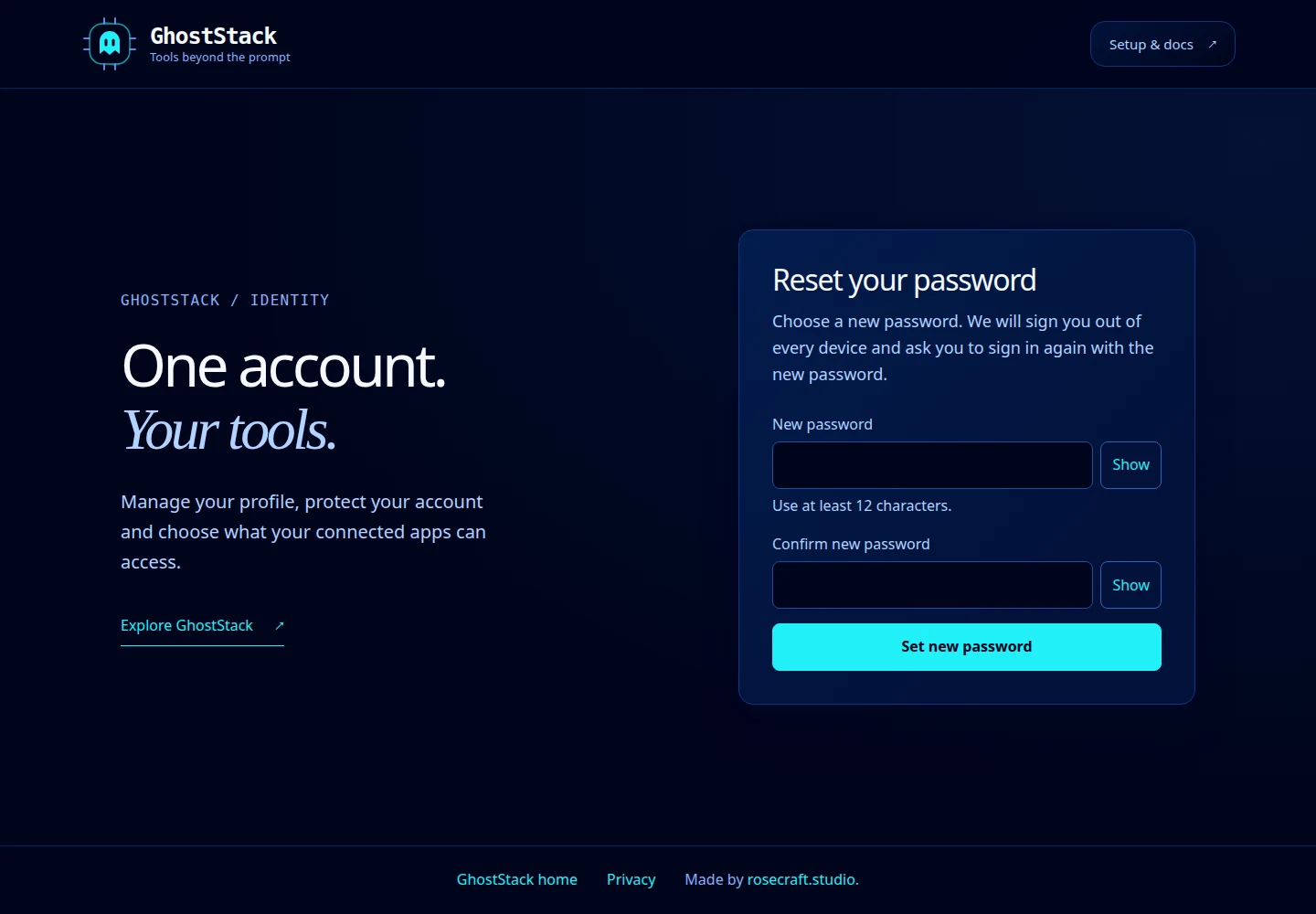
Open this screenshot at full size.
No message or an expired link
The request screen uses a generic confirmation to protect account privacy. Check that you used the right inbox. If you normally use Google or GitHub, try that sign-in method. Request a fresh reset link if the previous one expired or was already used.
Lost access to your authenticator
At two-step verification, select Backup code and use an unused saved code. Once signed in, review two-factor settings and regenerate backup codes if necessary.
If you have neither the authenticator nor an unused backup code, contact GhostStack support for help. A password reset does not remove two-factor authentication. Never include passwords, reset links or backup codes in a support message.